 Recall
Choosing Mac transcription, and comparisons
How to choose transcription for your Mac, and how other tools compare.
Compare with Voice Memos, MacWhisper, Notta and Granola →
Compared with other tools
AI GIJIROKU alternatives after the shutdown: moving to Rimo, and how to choose another meeting AI
AI GIJIROKU by Alt Inc. shut down on October 31, 2025, and Rimo announced it would take its customers as the official destination. What the migration plan covers, what to check before you move, how Rimo, Notta, AiNote, YOMEL and Recall differ and what they cost, and who each one does not suit, checked against official pages on November 20, 2026.
Krisp alternatives: pricing, the free trial, languages, and bot-free options
Krisp AI Meeting Assistant's pricing, how long it is free, how it captures audio, and which languages it transcribes, checked against its official pages on November 19, 2026, and compared with bot-free alternatives such as Jamie, Granola, Tactiq and Recall. Who should stay with Krisp, and who should switch.
Jamie AI alternatives: free plan limits, pricing, and where your notes are kept
Jamie's free plan limits (10 AI notes a month, 30-minute meetings), pricing, how recording starts, and where data is kept, checked against its official pages on November 19, 2026, and compared with Krisp, Granola, Tactiq and Recall. Who should stay with Jamie, and who should switch.
Tactiq pricing, how it works, and how it differs from Recall
Tactiq's pricing plans, the Free plan's limits, what its Chrome extension and Mac app can do, how it handles Japanese, and where data is kept, checked against its official pages and compared with Recall, which transcribes on your Mac. Who Tactiq suits, and who Recall suits.
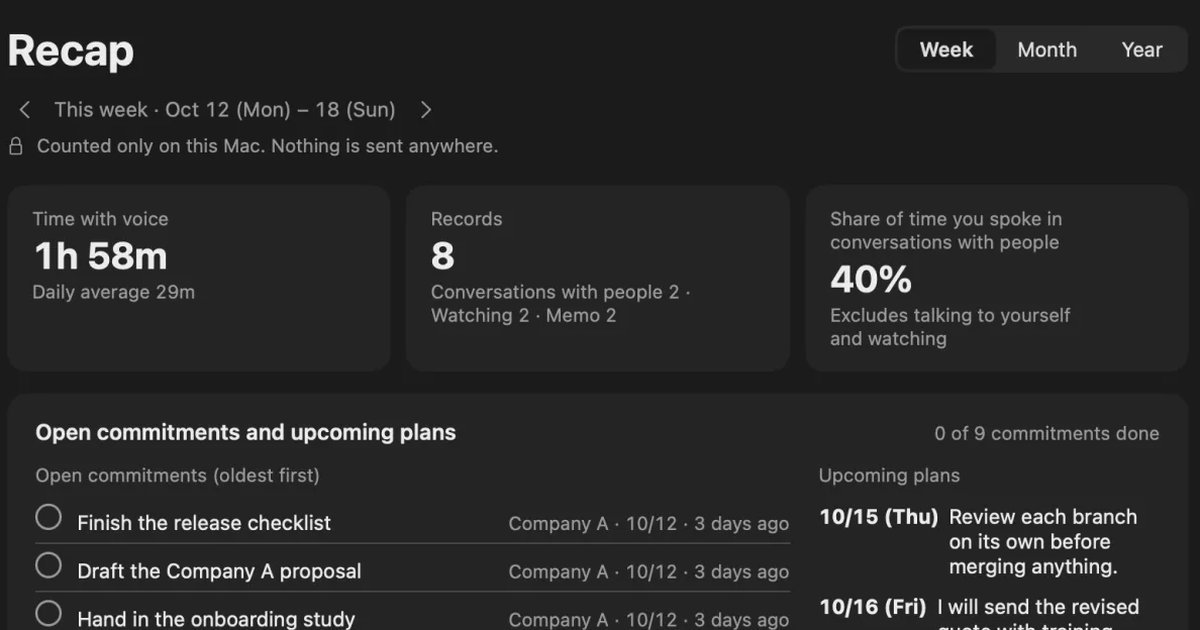
toruno pricing, free plan, and how it differs from Recall
Ricoh's AI minutes service toruno: its personal and business pricing plans, what its free plan covers, which meetings and devices it records, and how it handles data, checked against its official pages and compared with Recall, which stays running on your Mac. Who toruno suits, and who Recall suits.
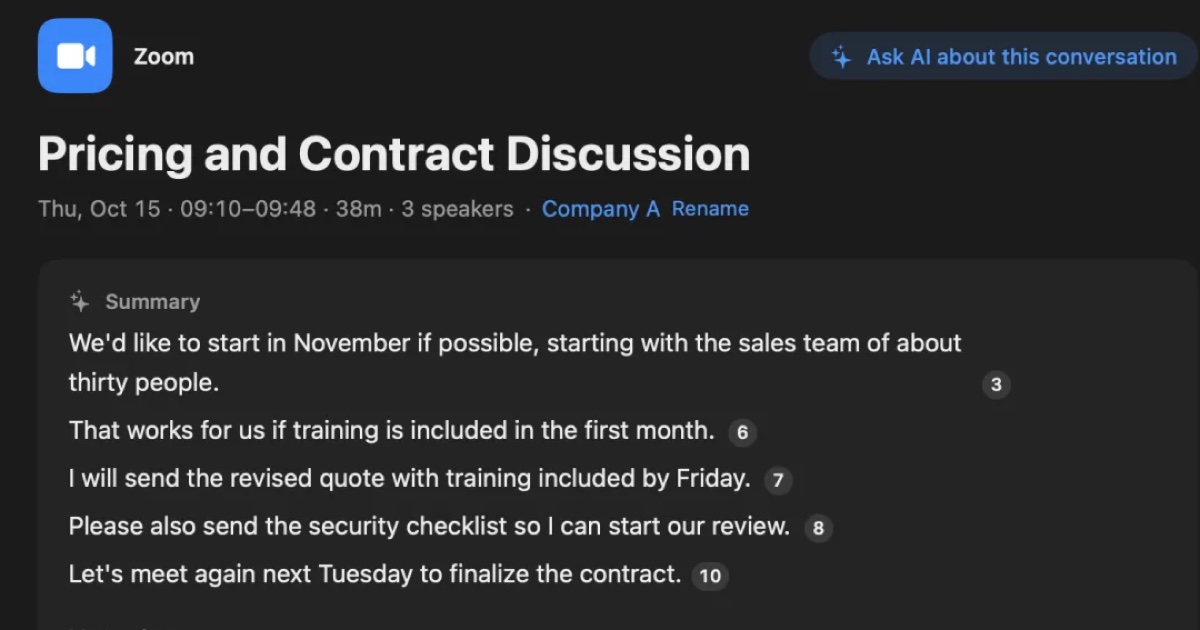
YOMEL pricing, features, and how it differs from Recall
YOMEL's pricing plans, how it listens without a bot, how it separates speakers, and how it handles data, checked against its official pages and compared with Recall, a personal Mac app. Which organizations YOMEL suits, and who Recall suits.
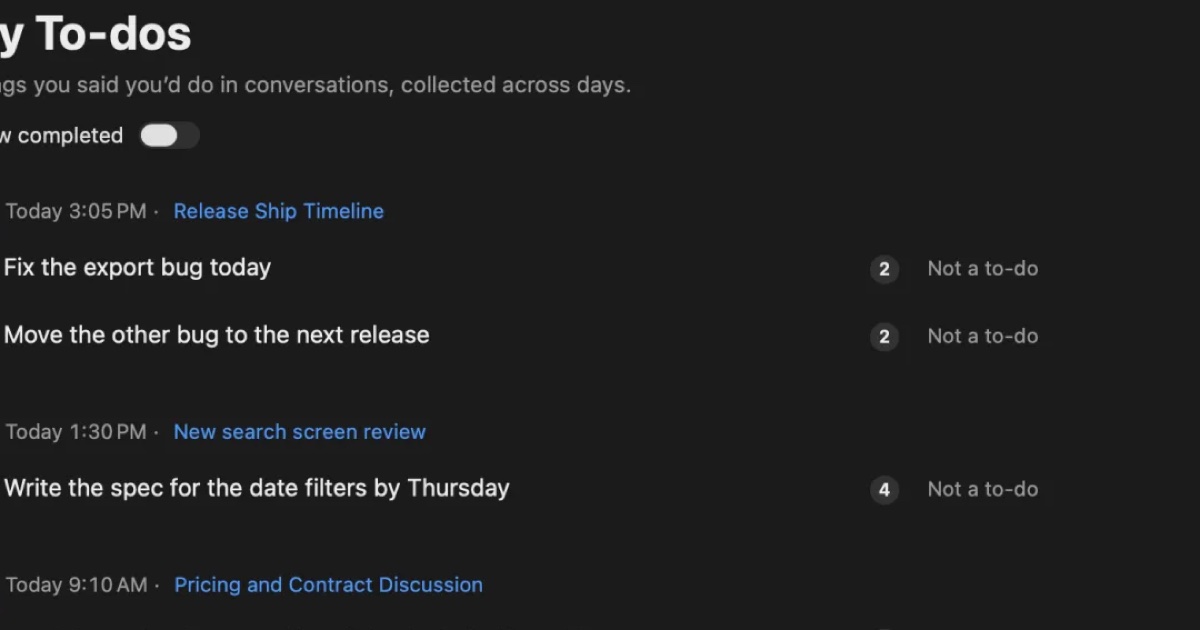
AutoMemo pricing, features, and how it differs from Recall
Sourcenext's AutoMemo: its pricing plans, how it records, and how it handles data, checked against its official pages and compared with Recall, which runs on your Mac. Who AutoMemo suits, and who Recall suits.
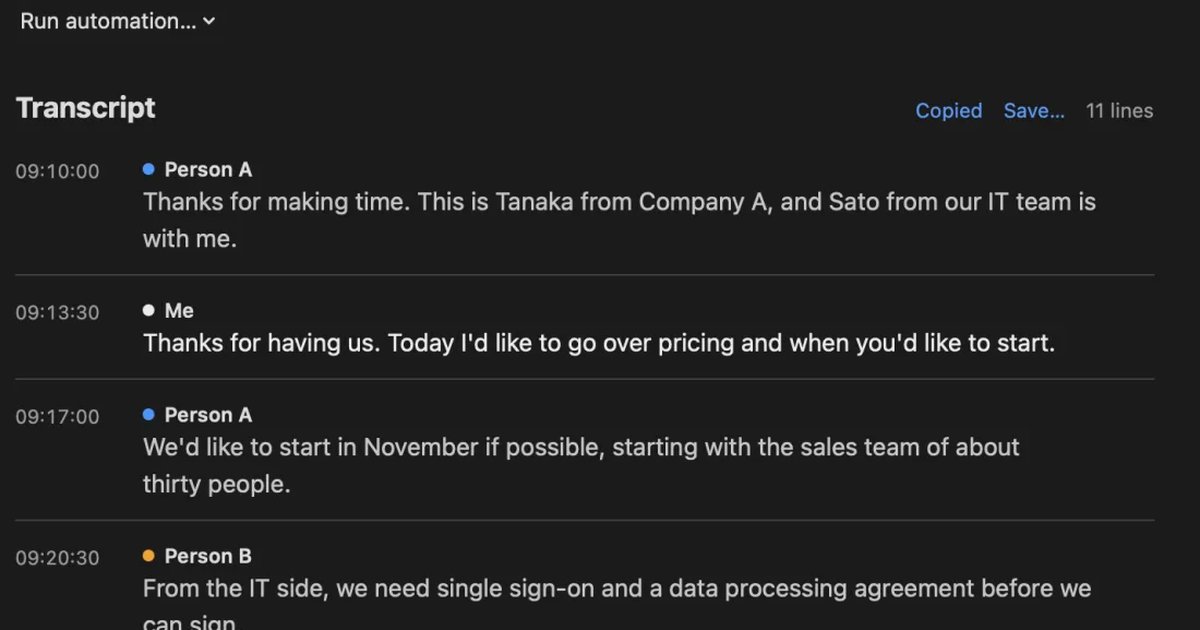
Free AI note takers compared: 8 tools, what the free plans really cover
Free AI note takers stop in one of four places: monthly minutes, counts, how long you can see notes, or features. We checked the free plans of Notta, Otter, AiNote, tl;dv, Fireflies, Fathom, Granola, and Recall on their official pages on November 13, 2026, and worked out which can handle five meetings a week.
Notta alternatives compared: choosing when you worry about data leaks
For people looking for a Notta alternative. We split the worry about leaks into three, then cover what you can do within Notta, Privacy Mode, and how five products including Recall differ, and who they do not suit.
MacWhisper vs Recall: how they differ before you switch
Looking for a MacWhisper alternative? Compare audio files, always-on capture, saved audio, pricing and requirements, and see who each app fits.
Meetily vs Hyprnote vs screenpipe vs Recall: local meeting notes on a Mac
Meetily, Hyprnote (now Anarlog), screenpipe and Recall compared: open source or not, screen capture, platforms, where summaries run, and pricing, checked on the official sites in November 2026.
Rimo Voice (now Rimo) vs Recall: choosing a meeting notes tool
Comparing Rimo Voice (now Rimo) and Recall: where records live, bots, sharing, and cost, with Notta and AiNote in the picture, and who each one does not suit.
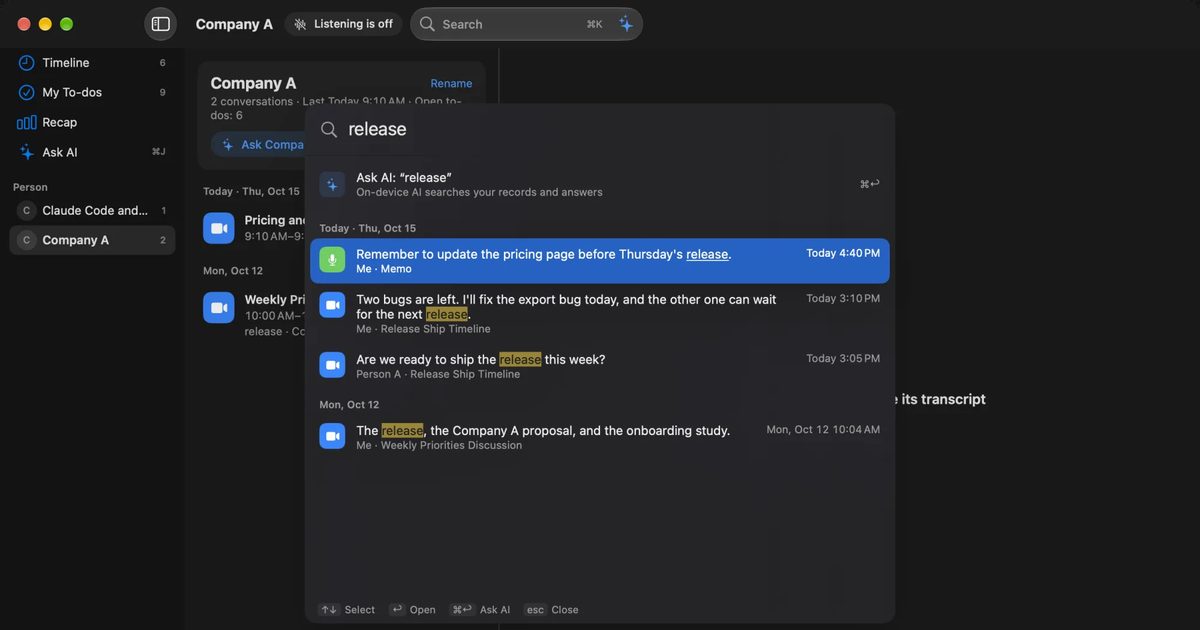
CLOVA Note alternatives after the shutdown: AiNote, Recall, and how to choose
CLOVA Note shut down on July 31, 2025, and its successor is LINE WORKS AiNote. What changes on AiNote's Free and Solo plans, what to watch for with PC meetings, other options including Recall, and who each one does not suit.
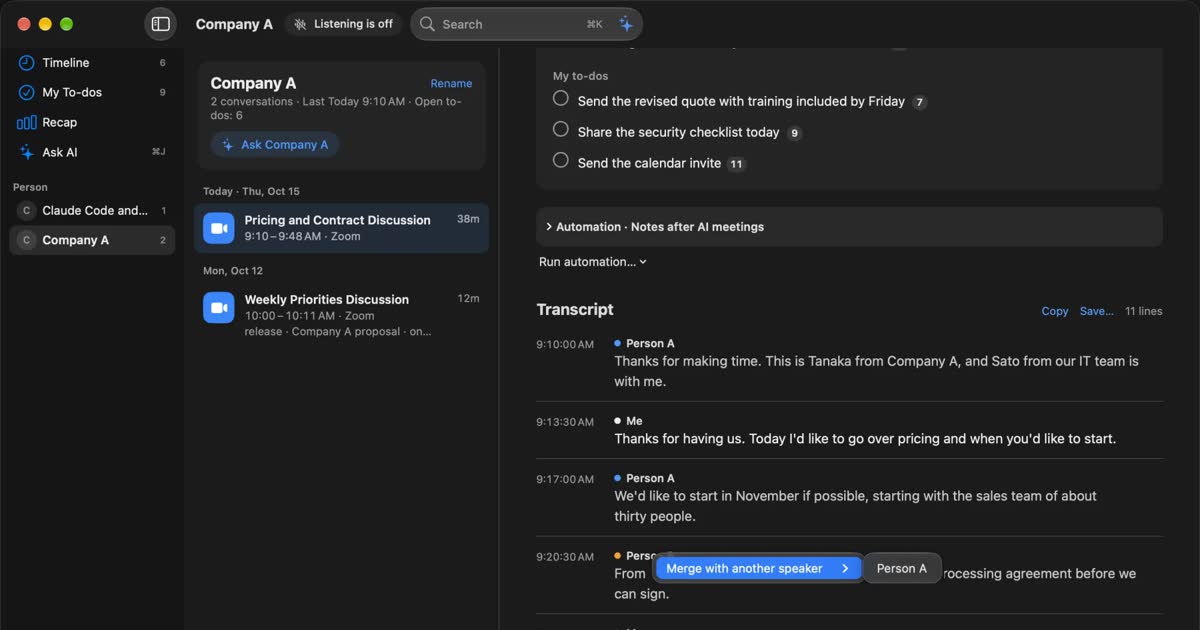
tl;dv alternatives compared: when you do not want a bot in the meeting
For people looking for a tl;dv alternative. We compare the bot and bot-free recording, where the record goes, free limits and pricing, and who should stay on tl;dv and who fits Recall.
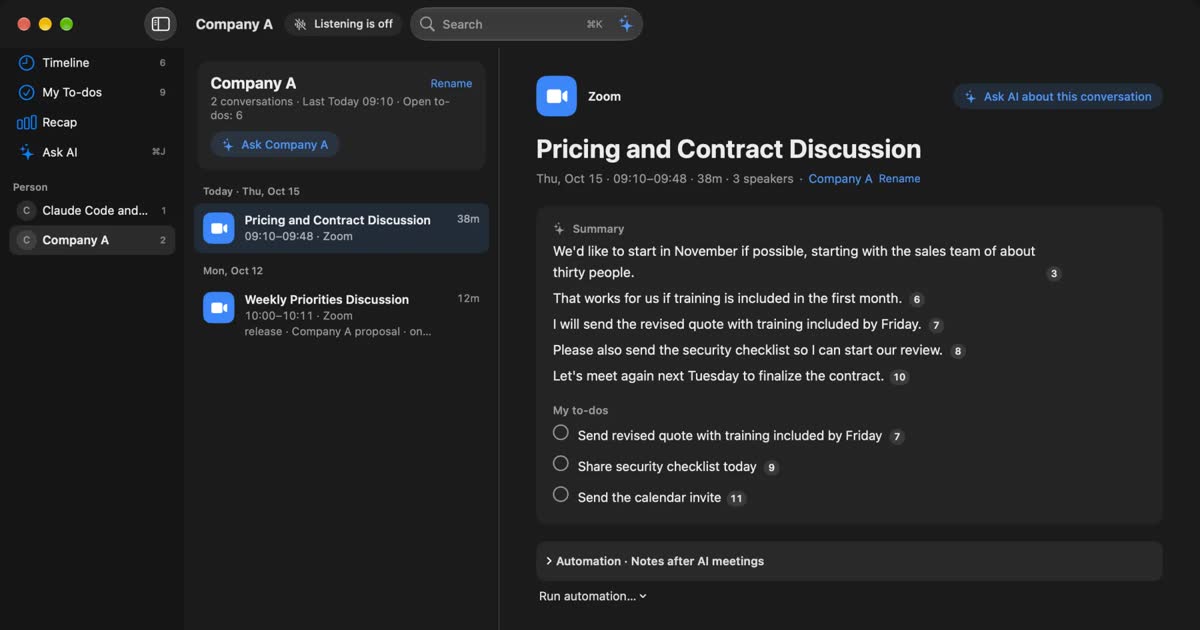
Otter.ai alternatives compared: 8 options for English meetings, and when to stay on Otter
Looking for an Otter.ai alternative? We compare Recall, Fireflies, Fathom, Granola, Notta, MacWhisper, tl;dv and Tactiq on bots, where data lives, languages and free limits, and say when Otter is still the better choice.
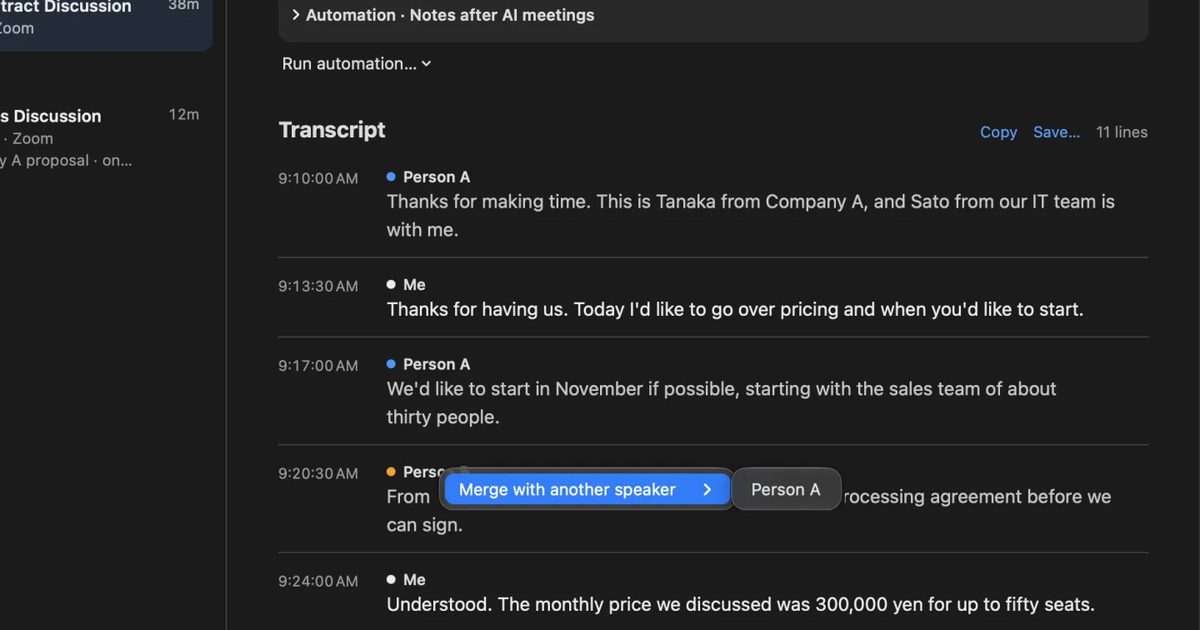
Fireflies.ai and Fathom alternatives: bot-free options compared
For people looking for a Fireflies or Fathom alternative. We compare bot and bot-free recording, the participant list, where records are kept, free limits and pricing against Recall, and who each one suits.
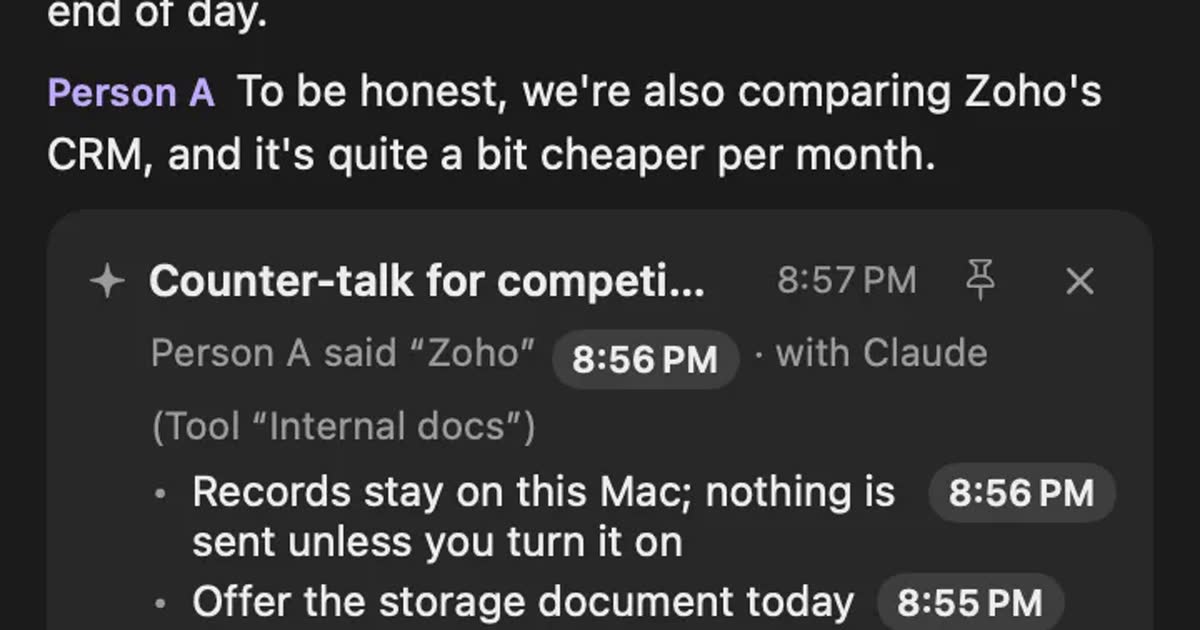
Hedy alternatives compared: choosing AI help during meetings
For people looking for a Hedy alternative. We split help during meetings into three forms and compare automatic suggestions, screen sharing, where processing happens and plan limits, including who should stay with Hedy and who Recall does not suit.
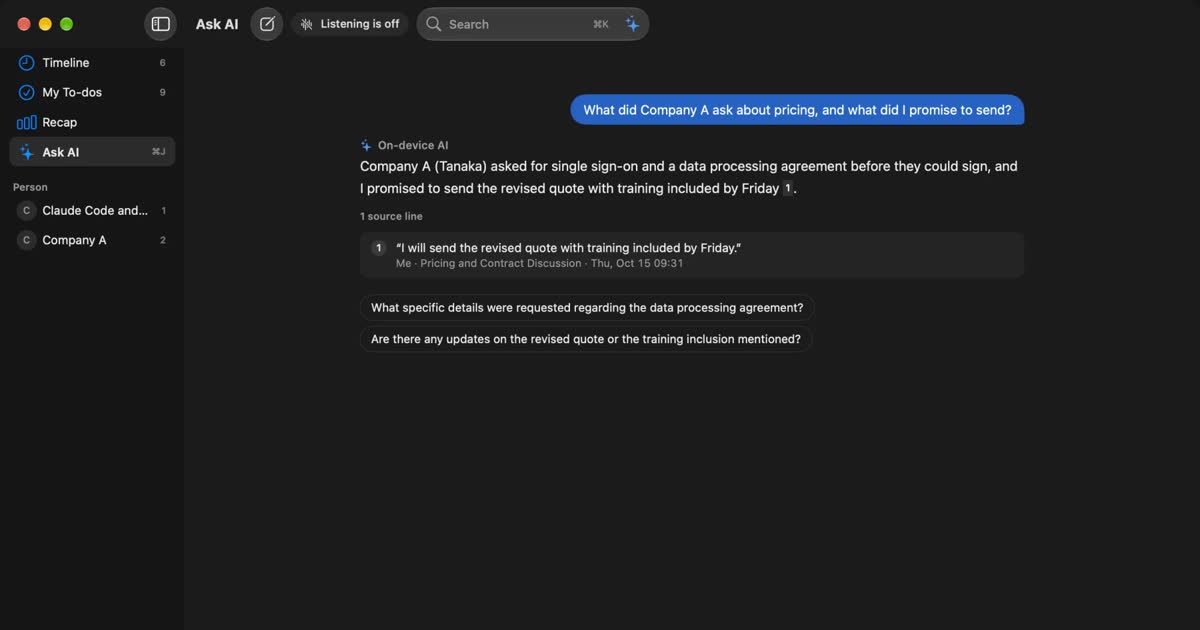
Granola AI alternatives: Granola vs Otter and Recall compared
For people looking for a Granola AI alternative. We compare languages, Granola vs Otter, where notes are processed and stored, how to opt out of training, and pricing from official sources, including who should stay with Granola and who Recall does not suit.
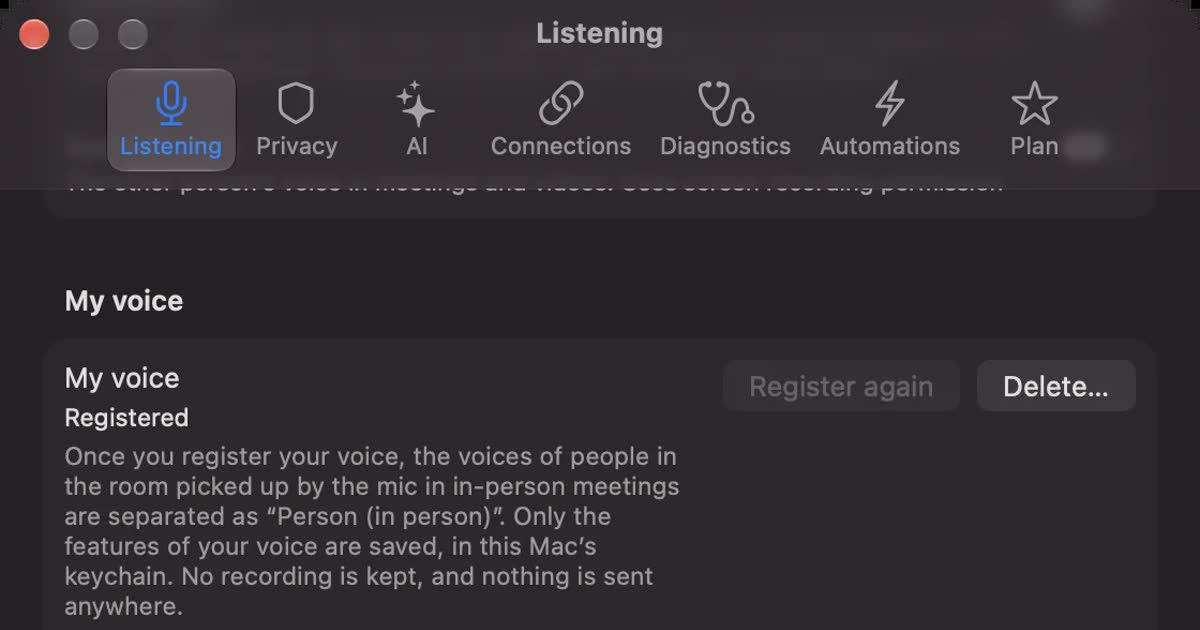
PLAUD NOTE alternatives: choosing between a recorder and an app
Looking for a PLAUD NOTE alternative? Compare a dedicated recorder with Recall by where you talk, saved audio, cloud handling and three-year cost, and see who each suits.
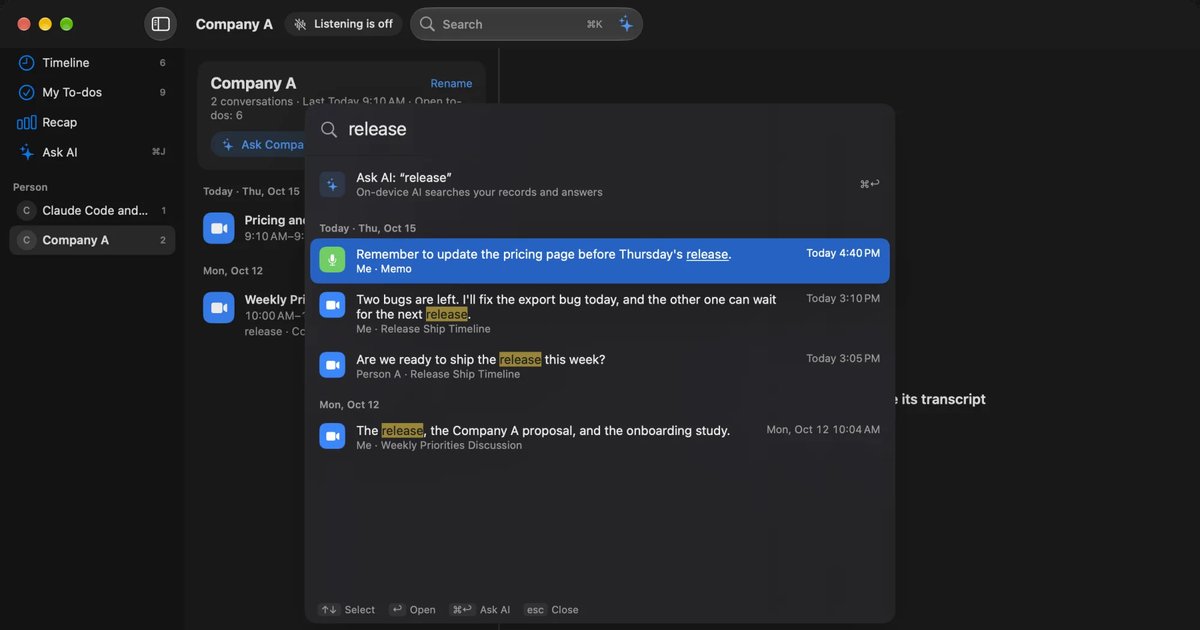
Limitless and Rewind alternatives: keeping conversations after the shutdown
Rewind has stopped recording and Limitless was acquired by Meta. What the official pages say today, how to export your data, alternatives by screen, conversation or wearable, and how Recall differs.
How-to and choosing
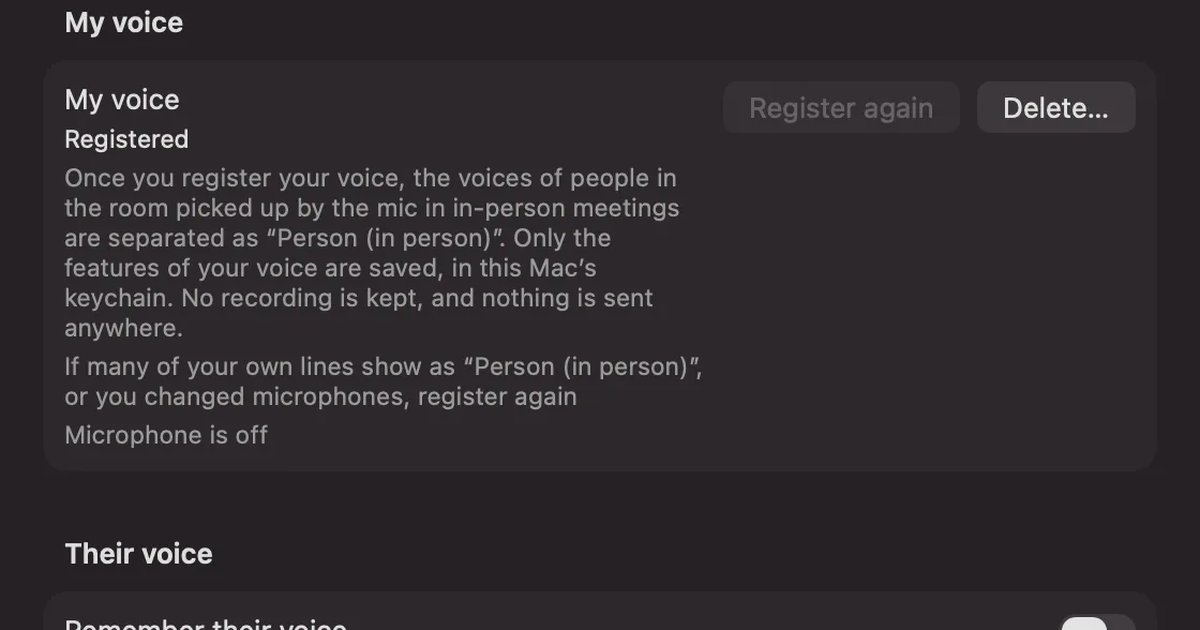
How to transcribe in-person meetings on a Mac: placement, telling speakers apart, and mixed online meetings
How to transcribe meeting-room discussions and one-on-ones with the Mac on the table. We compare Voice Memos, Zoom’s My Notes, phones and recorders, and Recall, and cover where to put the microphone, how speakers are split, and meetings where online participants join in.
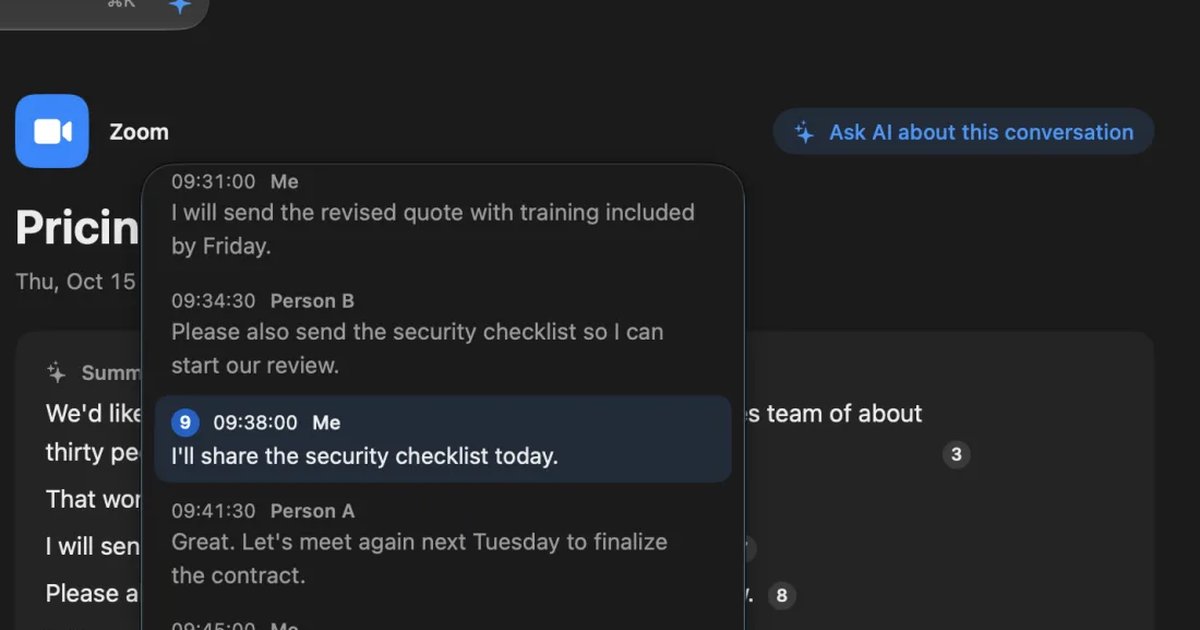
How to transcribe interviews on a Mac: record first, or transcribe on the spot
How to transcribe interviews, press interviews, user interviews and job interviews on a Mac. We compare transcribing a recorded file with transcribing on the spot, how to check quotes, and how to tell the other person and keep the record, situation by situation.
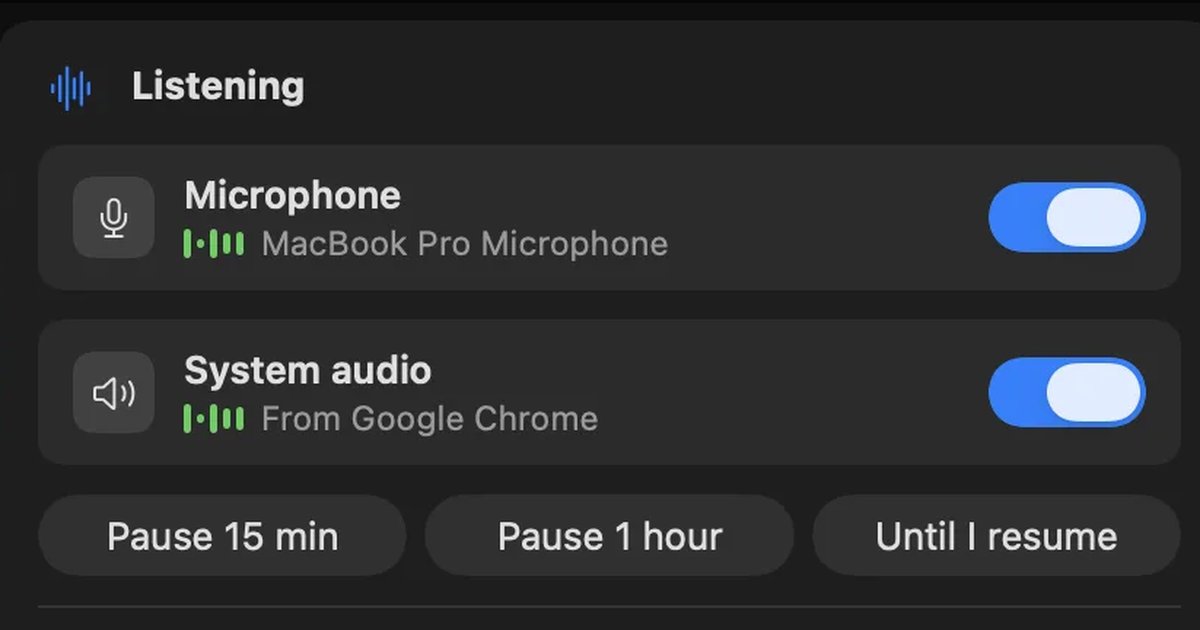
How to transcribe lectures and classes on a Mac: online vs. in the classroom, and finding things before exams
How to transcribe university lectures, online classes and seminars on a Mac. We explain how sound reaches the Mac differently online and in a classroom, how to get permission, how to keep and search records across a term, and which tools suit which situations.
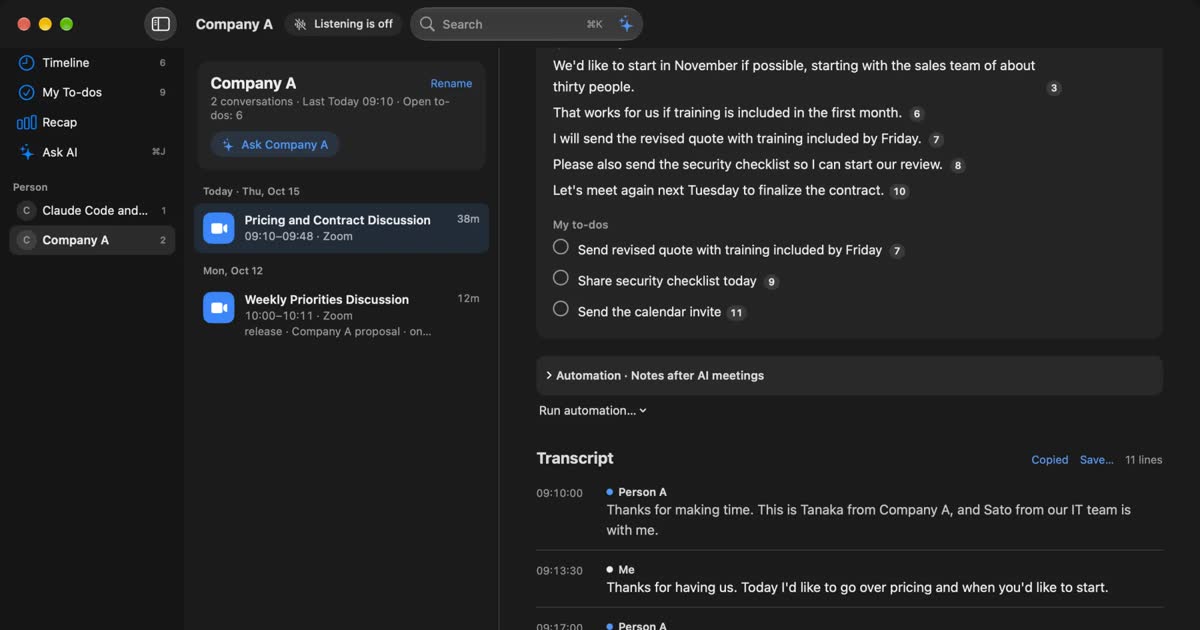
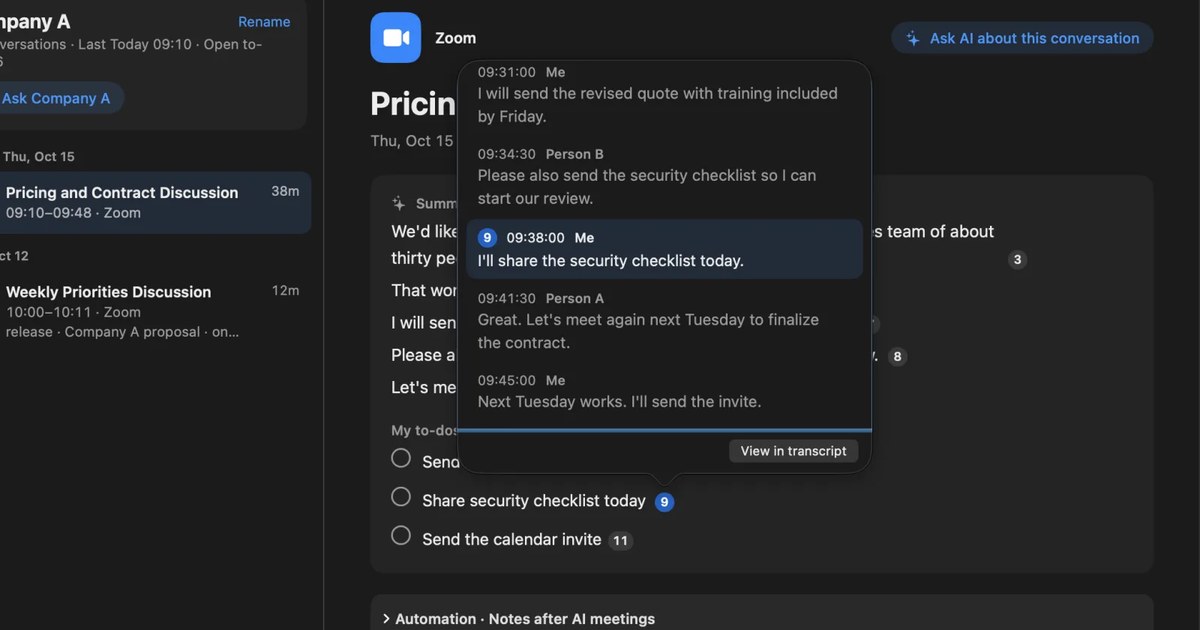
How to transcribe Zoom meetings: built-in, cloud services, or on your Mac
Three ways to transcribe a Zoom meeting: built-in features, cloud services and apps on your Mac. Covers the plans each needs, the May 2026 captions change, and how to choose.
How to transcribe Webex meetings: built-in, cloud services, or on your Mac
Three ways to transcribe a Webex meeting: built-in features, cloud services and apps on your Mac. Covers captions, AI Assistant, plan and language limits, where text is saved, and how to choose.
How to transcribe Google Meet: built-in, extensions, or your Mac
Whether Google Meet's transcript works depends on the organizer's plan. Compare the built-in feature and plans, extensions and bots, and on-device Mac apps.
How to transcribe audio with Gemini: file limits, the app vs. AI Studio
Where you transcribe with Gemini depends on how long your audio file is. We compare the Gemini app, Google AI Studio, Gemini Notebook and Google Meet, cover why uploads fail, and list what to check before you share meeting audio.
How to use voice typing in Google Docs: steps, punctuation, and fixes
Start voice typing in Google Docs from Tools › Voice typing. Which browsers work, how punctuation commands work, the limits for recordings, videos and meeting audio, voice typing on your phone, and what to check when it doesn’t work.
How to transcribe Microsoft Teams meetings: who can start it, where it saves, and Mac options
Three ways to transcribe a Teams meeting: the built-in feature, cloud services and apps on your Mac. Covers who can start it, why the button is missing, where transcripts are saved, and how to choose.
How to transcribe Discord calls: bots vs. your Mac, and keeping meeting notes
Discord has no built-in way to transcribe calls. We compare transcription bots, the recording bot Craig, and Recall, which transcribes what your Mac hears, by who can set them up, DM calls, and where audio and text go.
How to transcribe LINE calls: Call Recording’s conditions and keeping calls on a Mac
LINE’s 1:1 calls can be recorded and transcribed with Call Recording in LINE Labs. We cover which calls it works for, what the other person sees, and where files are saved, plus ways to transcribe video calls, group calls, and calls on LINE for Mac.
Can you record a FaceTime call? iPhone, Mac, audio, and keeping a transcript
Yes. Call Recording records one-to-one FaceTime audio calls on iPhone and Mac, and both people hear a notice. Steps, where it saves, and options for video calls.
How to record and transcribe phone calls on iPhone: the notice, where calls are saved, and fixes when it doesn’t work
The iPhone Phone app can record a call from the More button during the call, and saves the audio and a transcript by speaker to the Call Recordings folder in Notes. The steps, the notice the other person hears, reading and summarizing the transcript, the settings and regions to check when it doesn’t work, and what to use for LINE, FaceTime and Mac meetings.
How to transcribe Slack huddles: AI notes, exporting the transcript, and what to do without them
To transcribe a Slack huddle, you either use AI notes on a paid plan or transcribe it on your own Mac. We cover the conditions, where the notes and transcript go, how to export them as a PDF or text, why there is no huddle recording to download, and how to tell others.
How to take meeting notes with Notion AI: using AI Meeting Notes and what it requires
Notion AI takes meeting notes through AI Meeting Notes. How to start it, which plans and devices it needs, what to watch for in non-English meetings, where the audio and text go and who can read them, and how to paste a Mac transcript into Notion when you cannot use it.
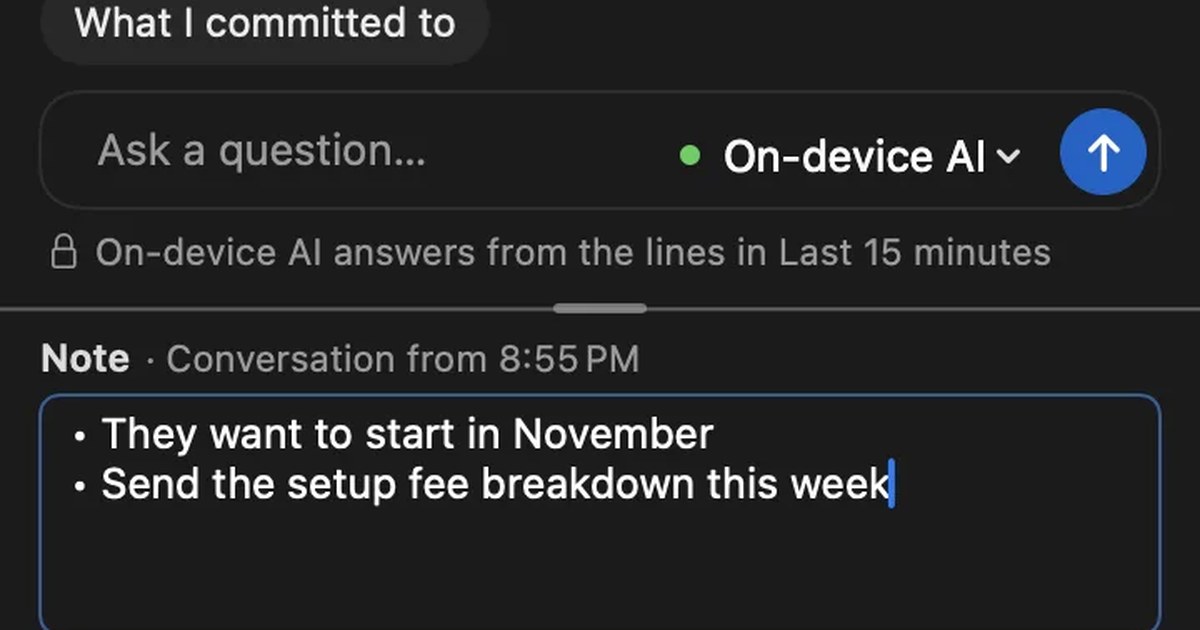
How to take meeting notes when there is a transcript: what to write, and paper, laptop or meeting tool
If the meeting is transcribed, your notes do not need to capture everything. How meeting notes differ from minutes, the four things to write down, when paper, a laptop, or the notes features in Teams, Google Meet and Zoom fit, and what to watch for when sharing your screen or meeting in person.
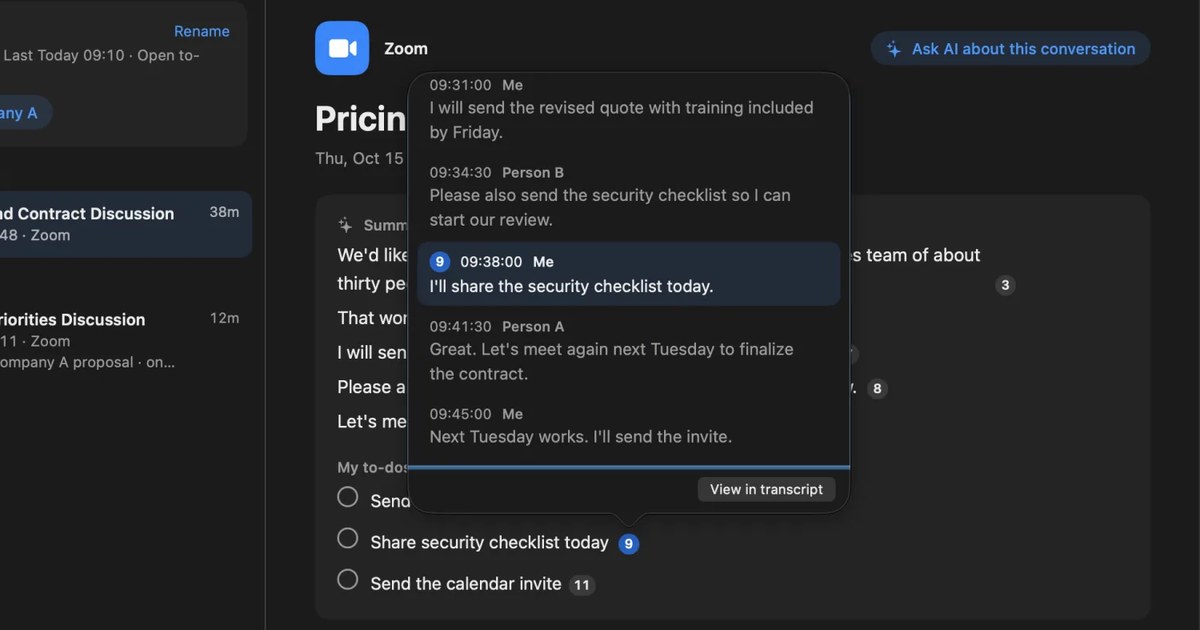
How to turn a transcript into meeting minutes: what to keep, examples, and asking AI
Pasting a transcript is not the same as writing minutes. The difference between verbatim, clean transcripts, summaries and minutes, what to keep with example lines, how to pick out decisions and action items, and how to ask AI for a draft and what a person should check.
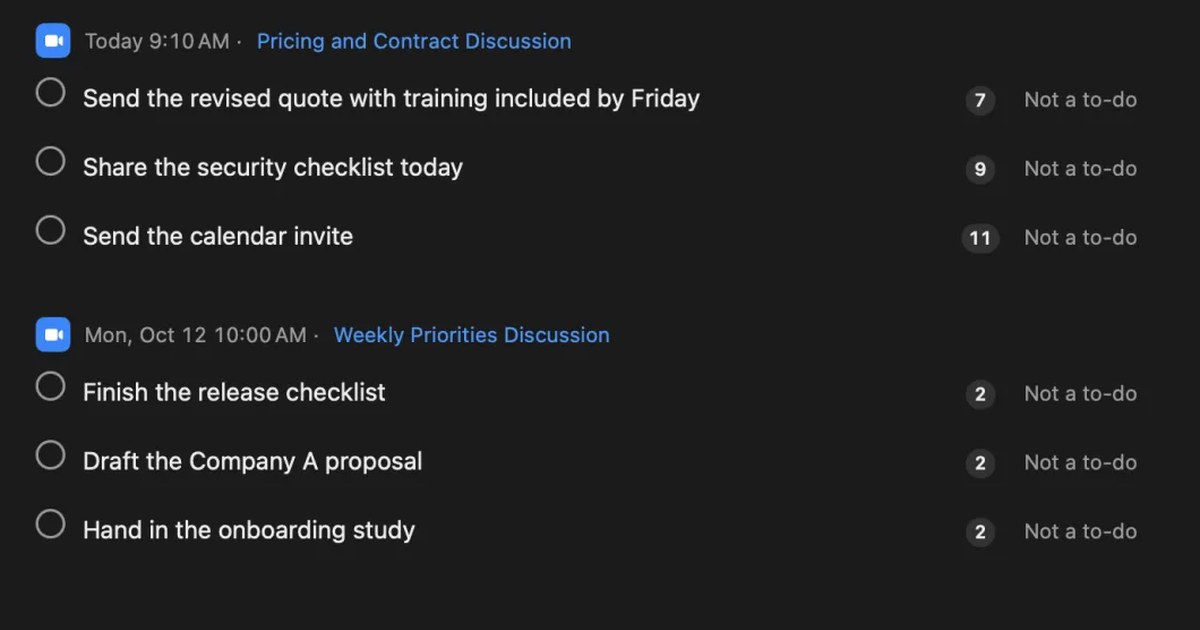
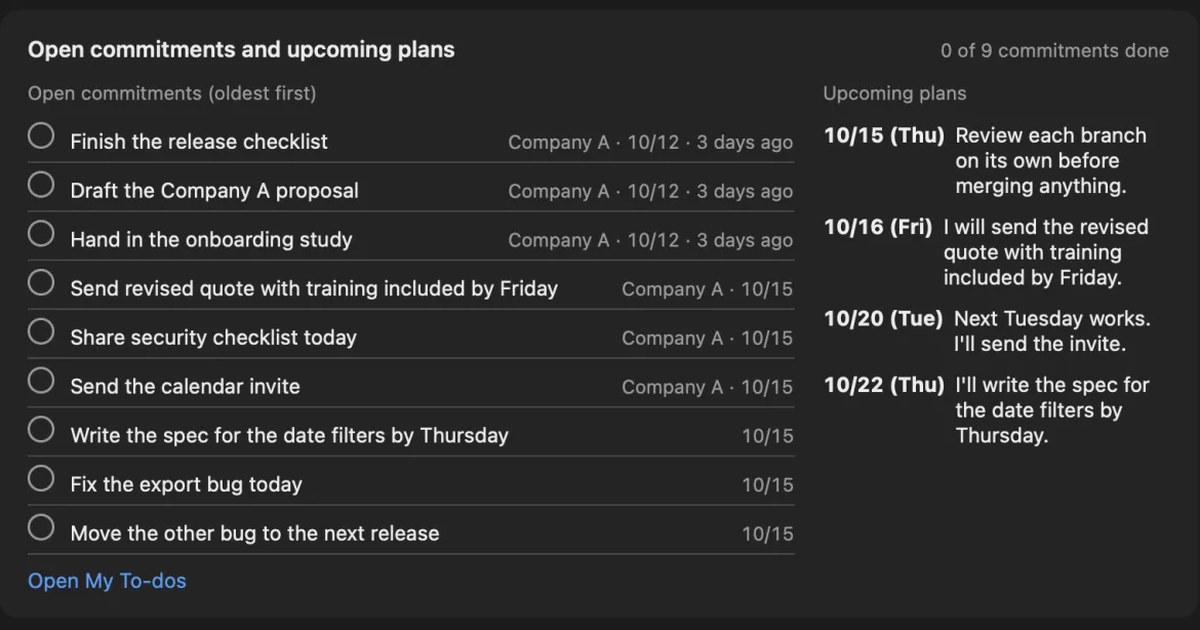
What are action items? How to write them in meetings, with examples, and follow them through
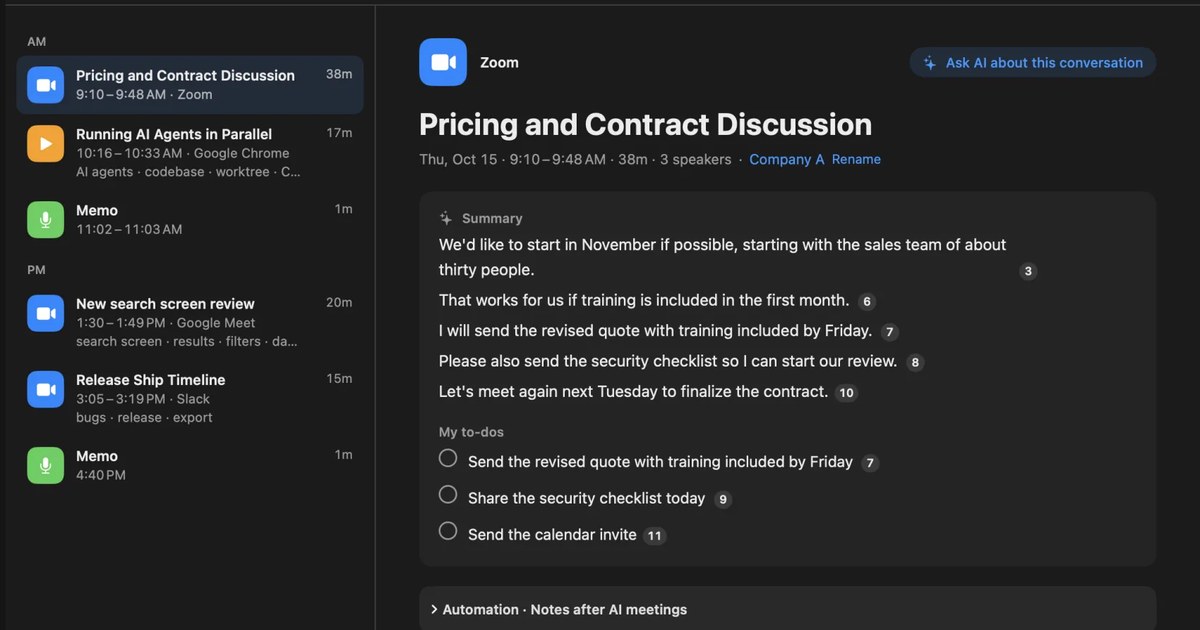
An action item is a task agreed in a meeting, with who does what by when. How it differs from next steps and decisions, how to write one with examples, how not to miss them during the meeting, how to see them through afterwards, and what to watch when Zoom, Teams or Google Meet AI picks them up.
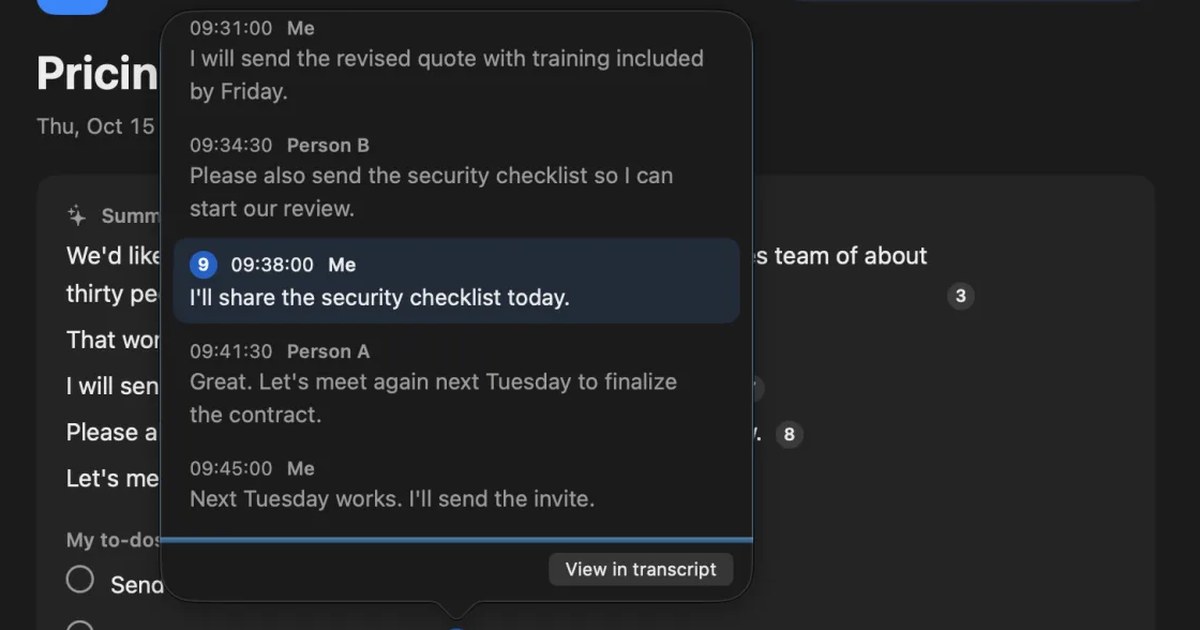
Avoiding “he said, she said” after meetings and calls: follow-up messages, and checking your own records
Most “he said, she said” disputes at work can be prevented by putting decisions into words on the spot and sharing them in writing. Why they happen, what to do during a meeting or call, example follow-up messages, how to keep records, how to check when one happens, and how recordings differ from written records.
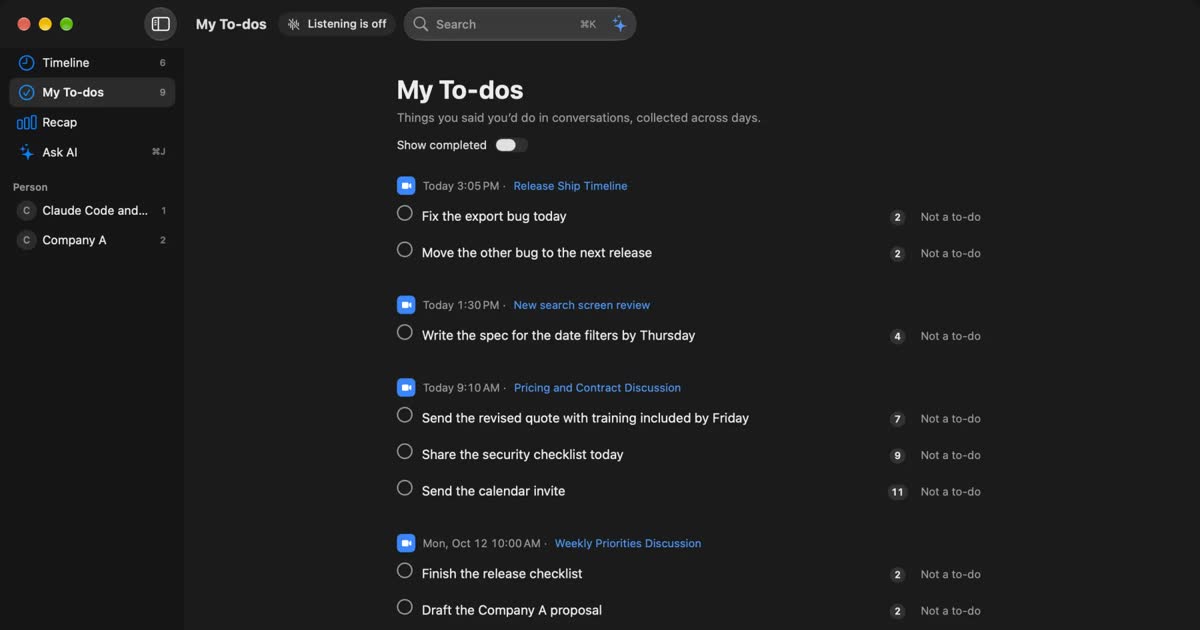
How to automate sales call notes: what to keep, what to say, and your CRM
A guide for sales and customer success. What to keep in call notes, phrases for telling the other side, how notes relate to your CRM, and how to choose among tools such as Notta and amptalk.
How to transcribe a YouTube video: built-in, AI, and videos with no captions
YouTube’s own transcript is enough if a video has captions. How to open and copy it, why it may be missing, and what works for no-caption or unlisted videos, comparing NotebookLM, Notta and Recall.
How to transcribe a podcast: when Spotify or Apple Podcasts shows no transcript
To transcribe a podcast, first check your podcast app. Conditions for Spotify and Apple Podcasts, what to do when no transcript appears, tools that take audio files, and transcribing as it plays on a Mac.
How to transcribe Voice Memos on iPhone and Mac, and what to check when it doesn’t work
Voice Memos on iPhone and Mac can transcribe recordings so you can view, copy and search them. The steps, the device, OS and language conditions to check when no transcript appears, how to keep the text, and what to use for meetings and calls.
How to record and transcribe audio in Apple Notes on iPhone and Mac, and what to check when it doesn’t work
Apple Notes on iPhone and Mac can record audio inside a note, show a live transcript, add the transcript to the note and summarize it. The steps, the device and language conditions to check when no transcript appears, Notes versus Voice Memos, and what to use for calls and meetings.
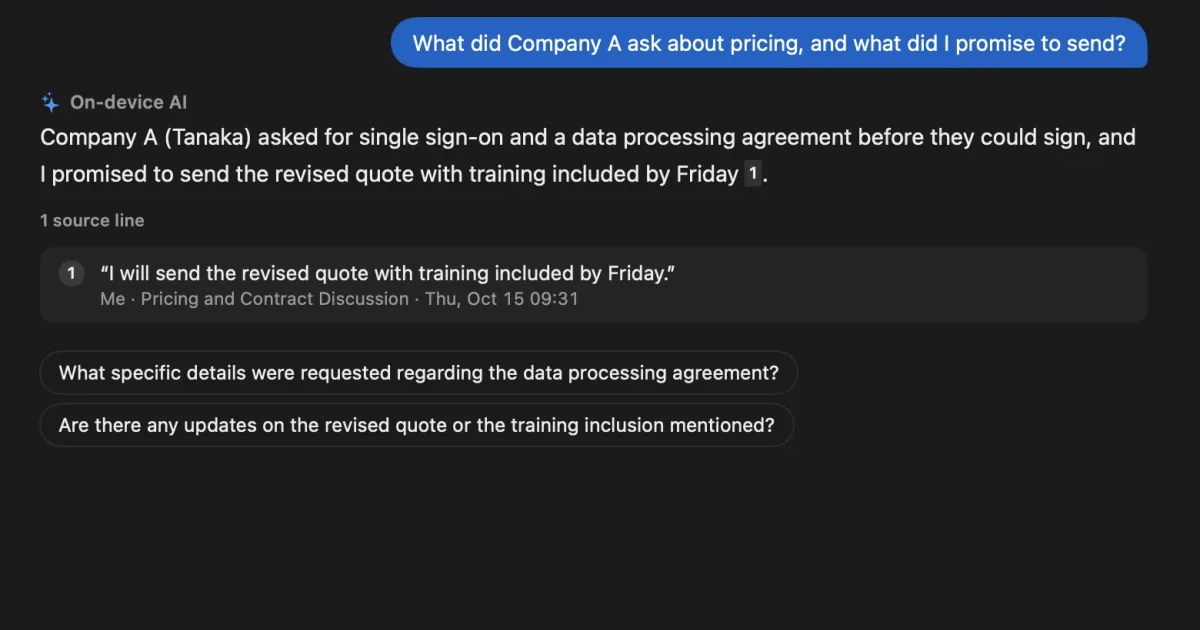
How to transcribe with ChatGPT: audio uploads vs recording meetings
Since October 2026, paid ChatGPT plans can transcribe attached audio files. How uploads, dictation, and Meetings and Record in the Mac app differ, what to do when an upload fails, and which settings to check before sharing meeting audio.
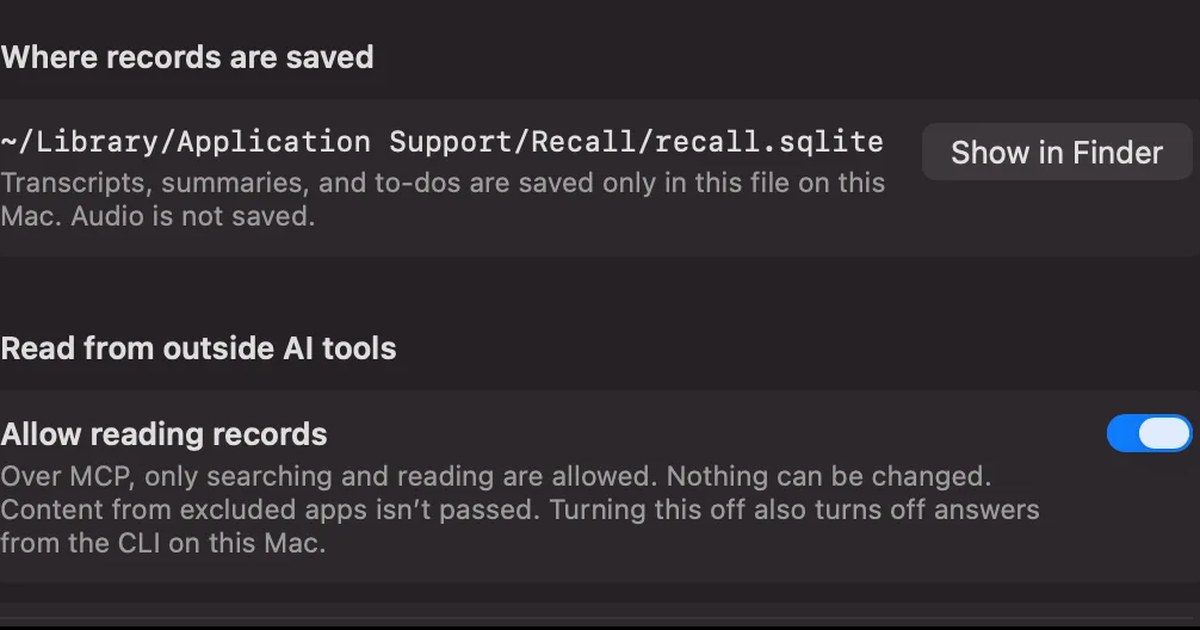
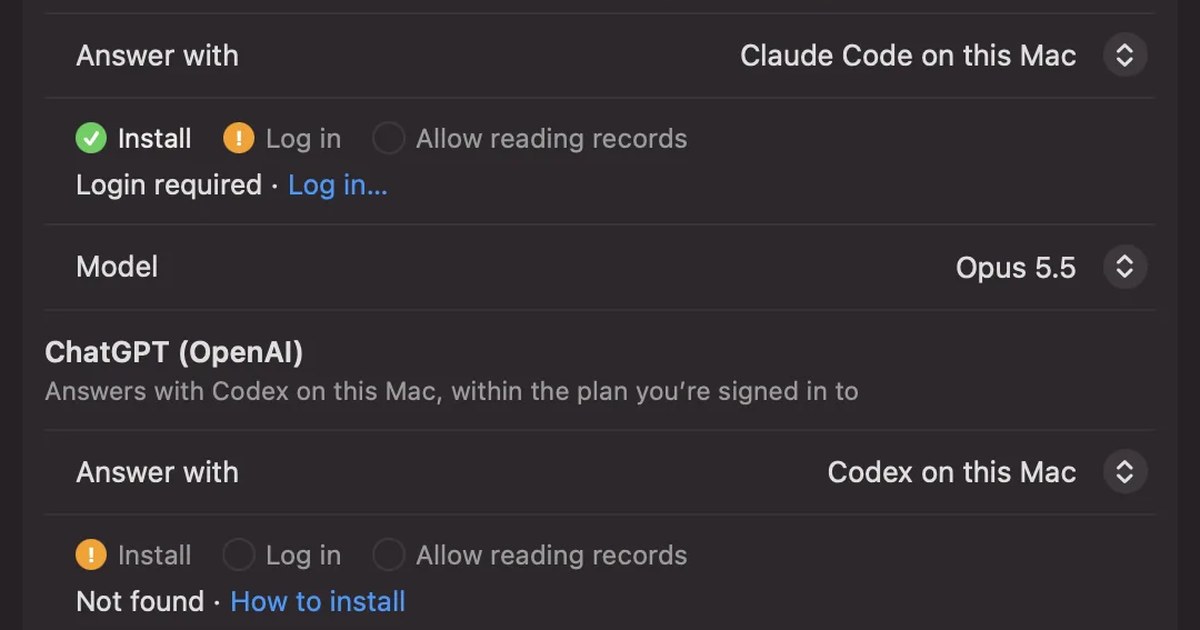
How to transcribe with Claude: audio files and turning transcripts into meeting notes
Claude’s help center lists no audio formats for upload, so the reliable way is to transcribe a recording first and then give Claude the text. Dictation and voice mode, /voice in Claude Code, how to ask for meeting notes, letting Claude read meeting records over MCP, and the settings to check first.
How to transcribe in Microsoft Word: Transcribe vs. Dictate, and what works on a Mac
To transcribe in Word, use Transcribe for recordings and audio files, and Dictate to write by speaking. Steps, which versions of Word support it, the 300-minute monthly limit, what to do on a Mac, fixes when it doesn’t work, and how to get meeting audio into text.
How to transcribe an audio file on a Mac: m4a and mp3 options compared
To turn an m4a or mp3 file into text on a Mac, the first question is whether the audio may leave your Mac. MacWhisper, Transcribe in Word for the web, Gemini and ChatGPT compared by format, length limit and what you pay, plus whether Notes and Voice Memos can read files and what to check when it fails.
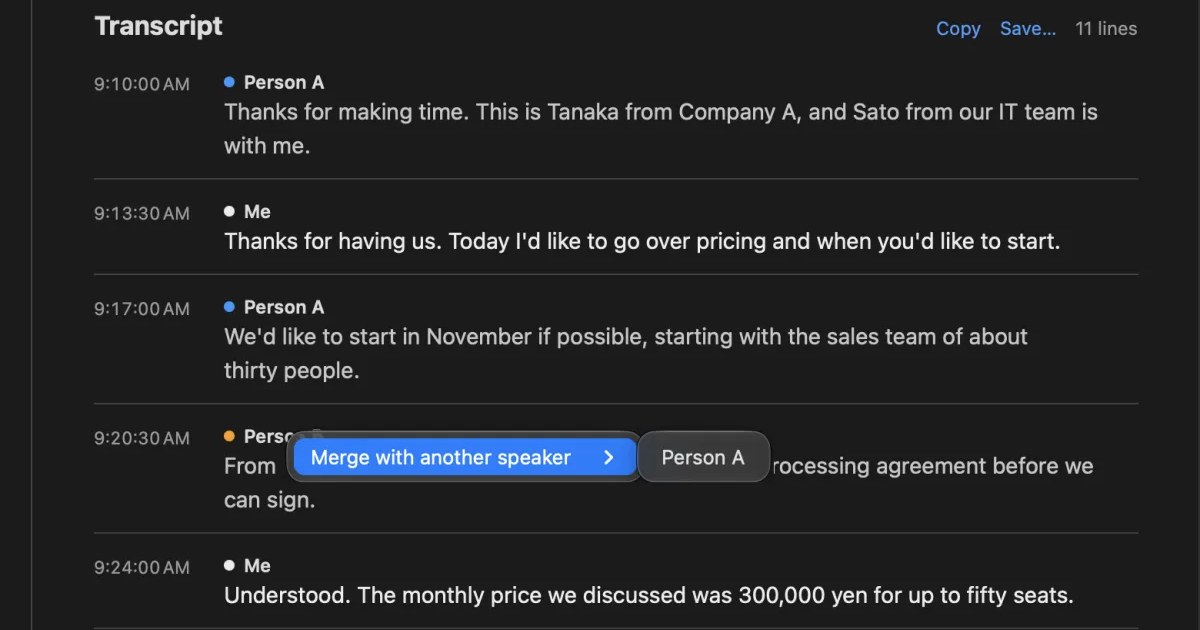
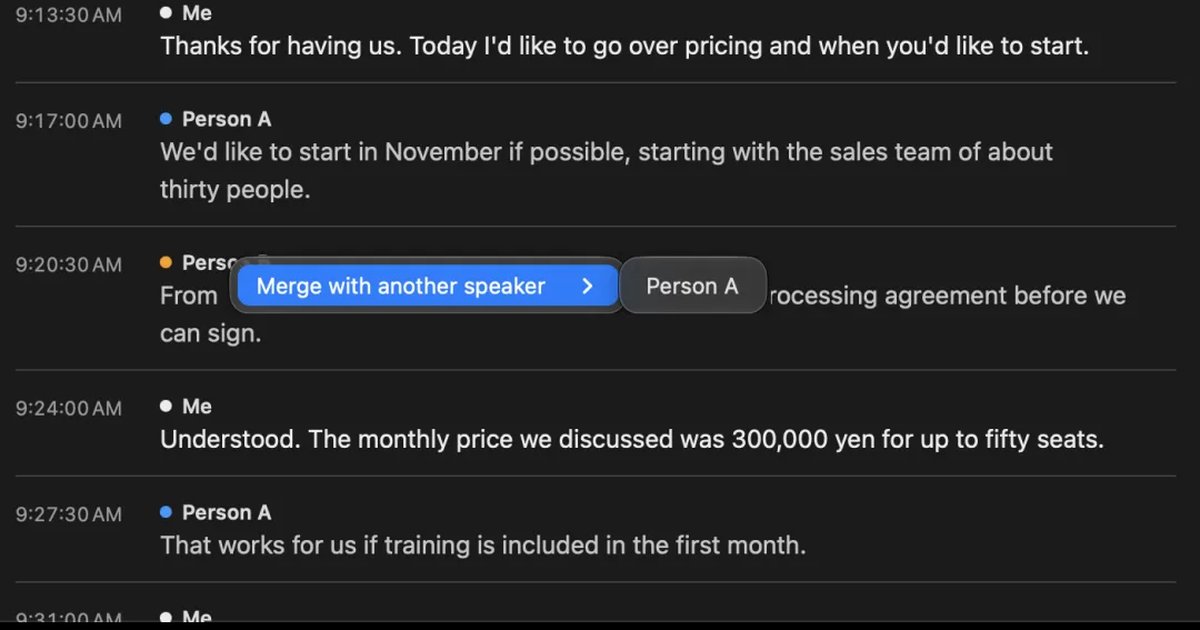
What is speaker diarization? Splitting a transcript by who spoke, and fixing it when it goes wrong
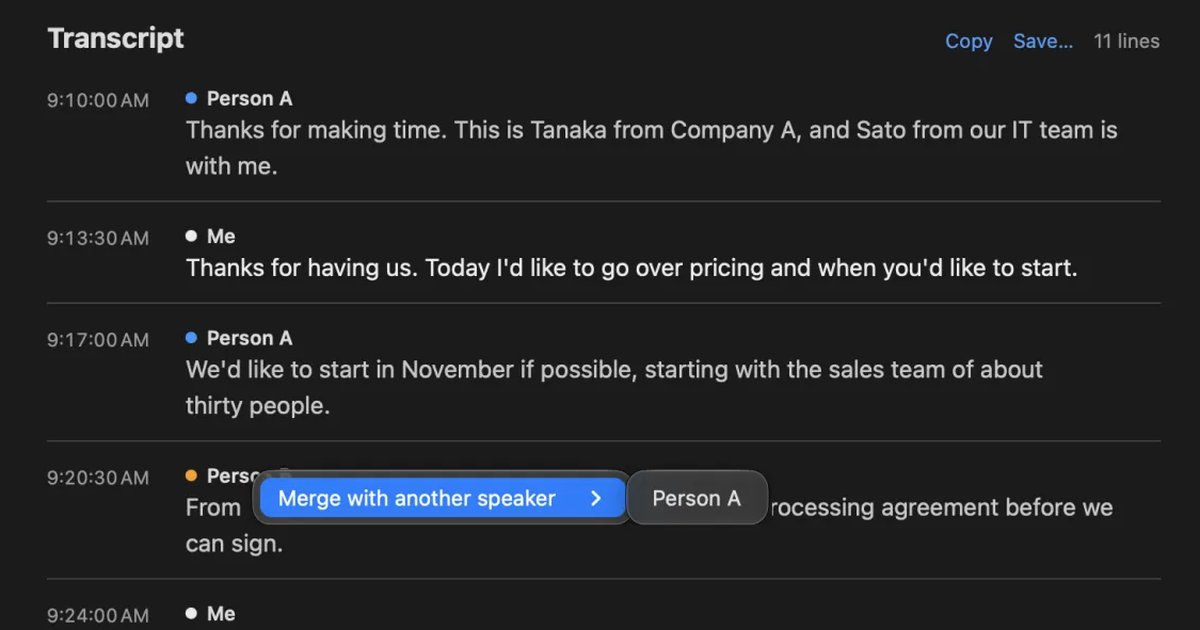
Speaker diarization splits audio by who spoke when and labels each speaker with a number such as Speaker 1 or Person A. How it differs from speaker identification, how Teams, Zoom, Word and do-it-yourself tools split speakers, why in-person meetings split badly, and how to rename and merge speakers.
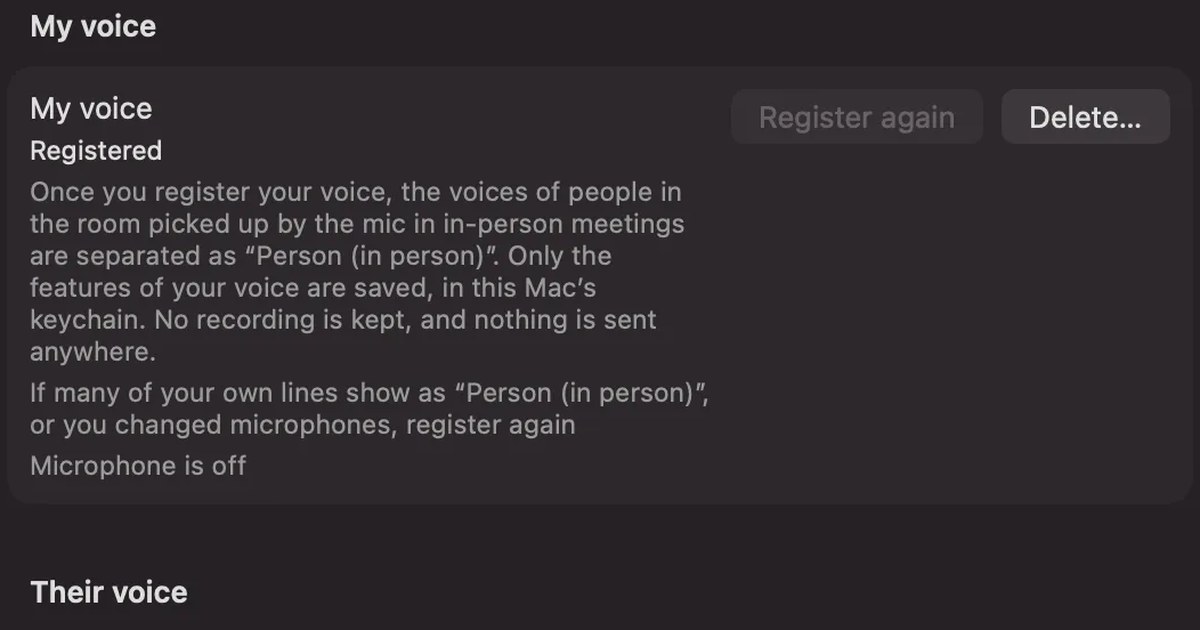
How to improve transcription accuracy: why errors happen, and what to do before, during and after
Transcription accuracy depends on how the sound reaches the microphone before it depends on the tool. Why wrong words, wrong speakers and missing words happen, what to do before and during a meeting and when fixing it afterwards, and how to compare tools.
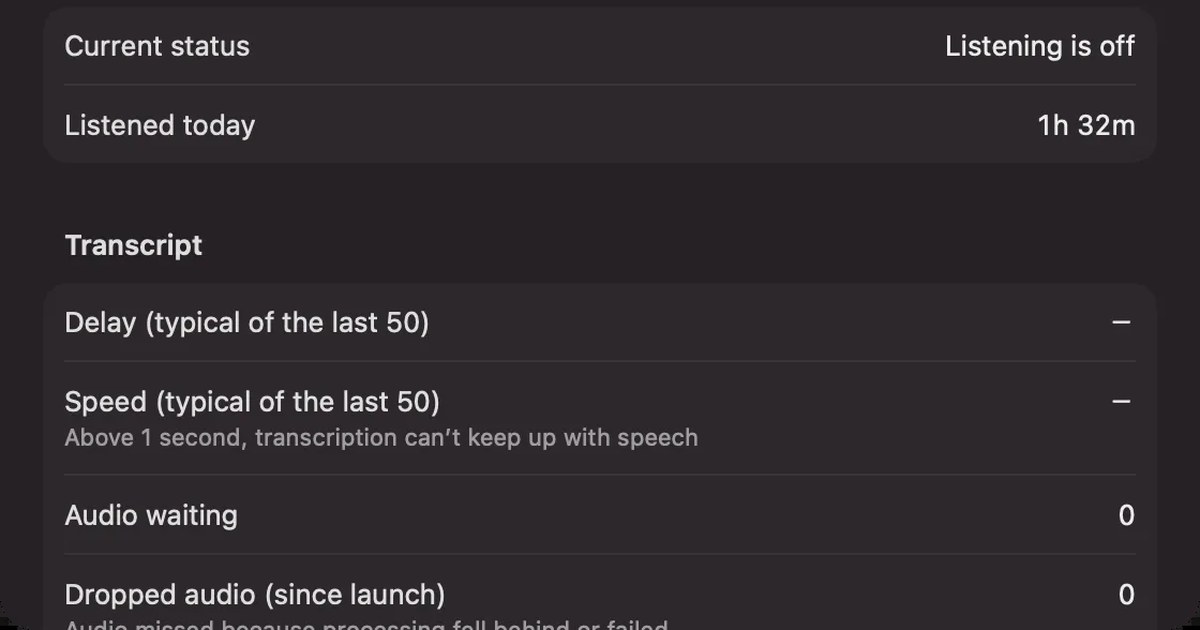
Real-time transcription: free ways on your computer, phone, and in meetings
Free ways to get real-time transcription: live captions on Mac, Windows, iPhone and Android, Zoom, Teams and Google Meet captions, and apps, compared by whether the text is kept and whose voice they hear.
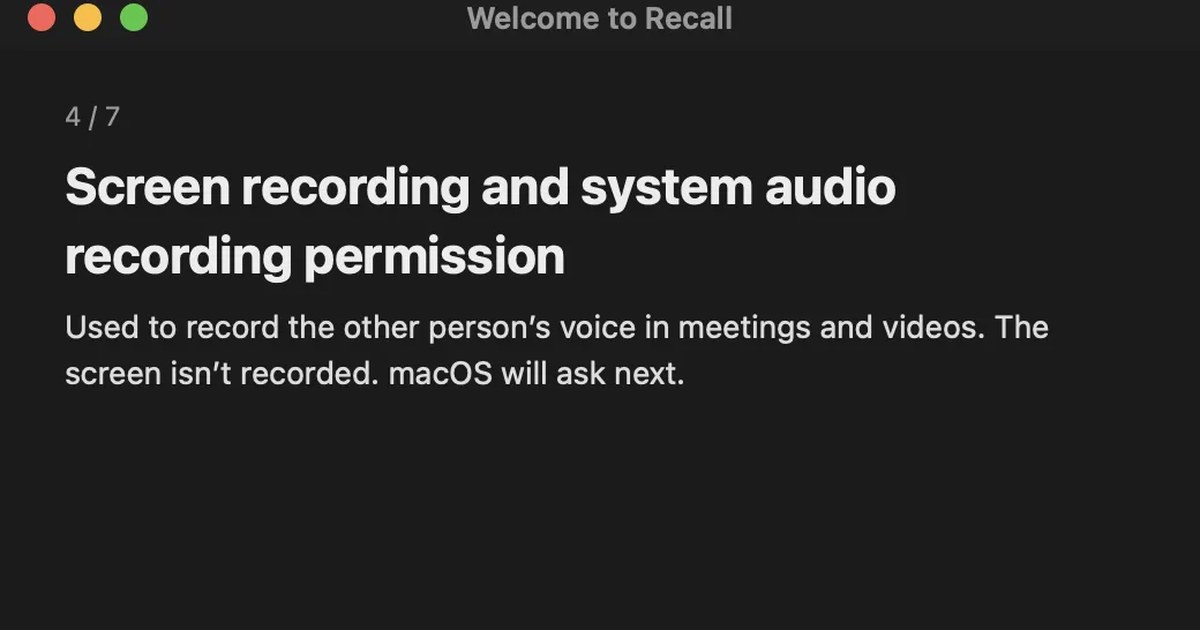
How to use dictation on a Mac: settings, shortcut, punctuation, and fixes when it stops
Turn on Dictation in the Keyboard settings, then start it with the Microphone key or a shortcut. How to change the shortcut, voice commands for punctuation, new lines and emoji, how to check whether it runs on your Mac, what to check when it stops, and why it isn’t a meeting recorder.
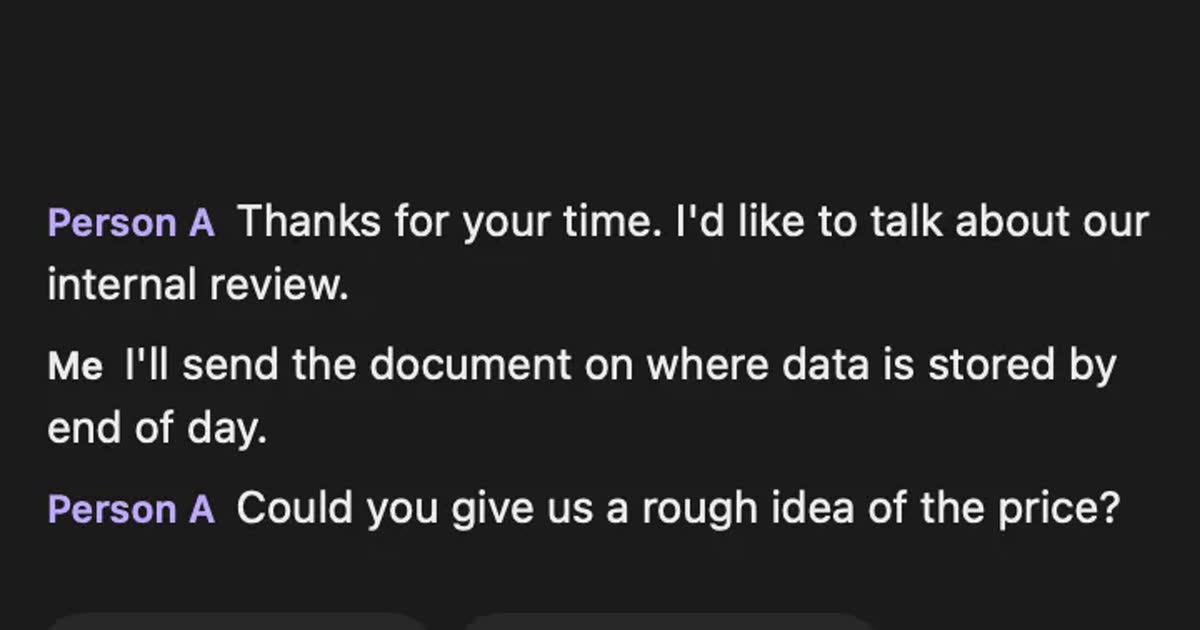
How to transcribe webinars and videos so you can find them later
Ways to turn webinars and videos into searchable text, comparing source transcripts, Notta, MacWhisper and Recall, plus what to check on copyright and terms.
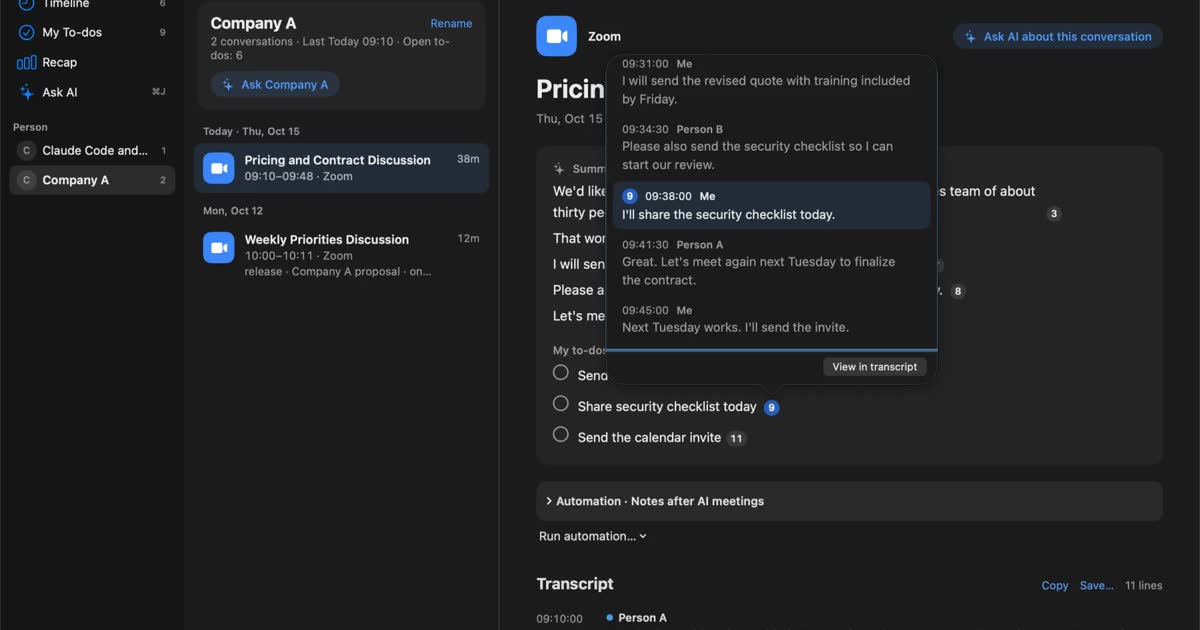
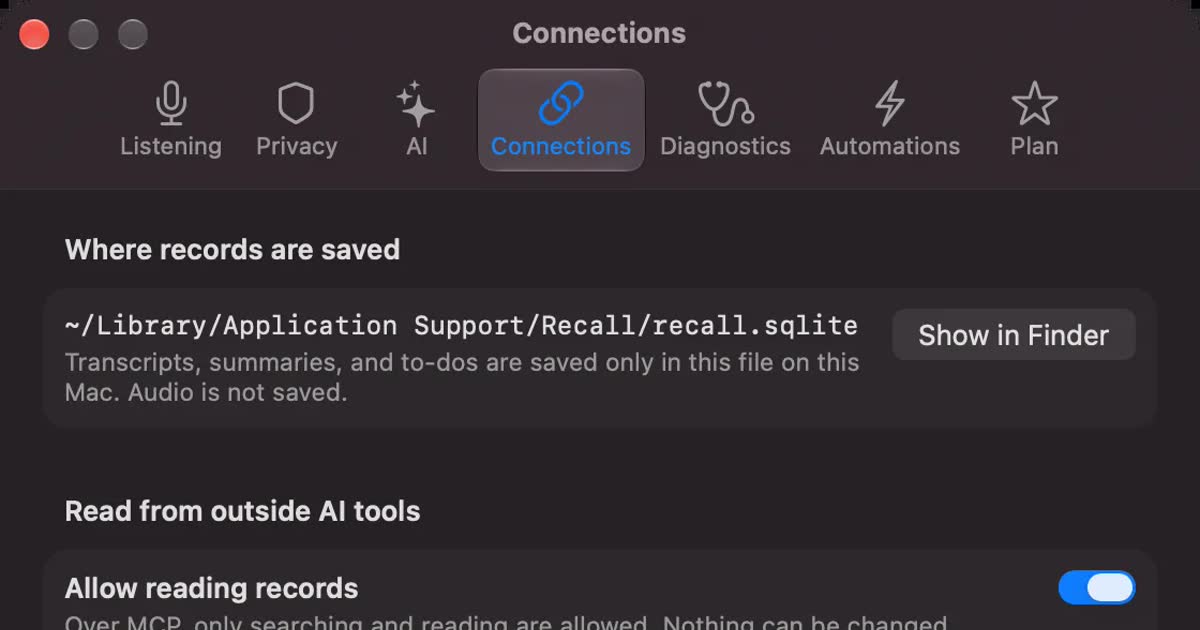
How to transcribe locally on a Mac: keeping meetings inside your company
How to transcribe on a Mac without sending audio to the cloud. Compare Notes, MacWhisper, Aiko, whisper.cpp, Recall and more, and check the four places records can still leave.
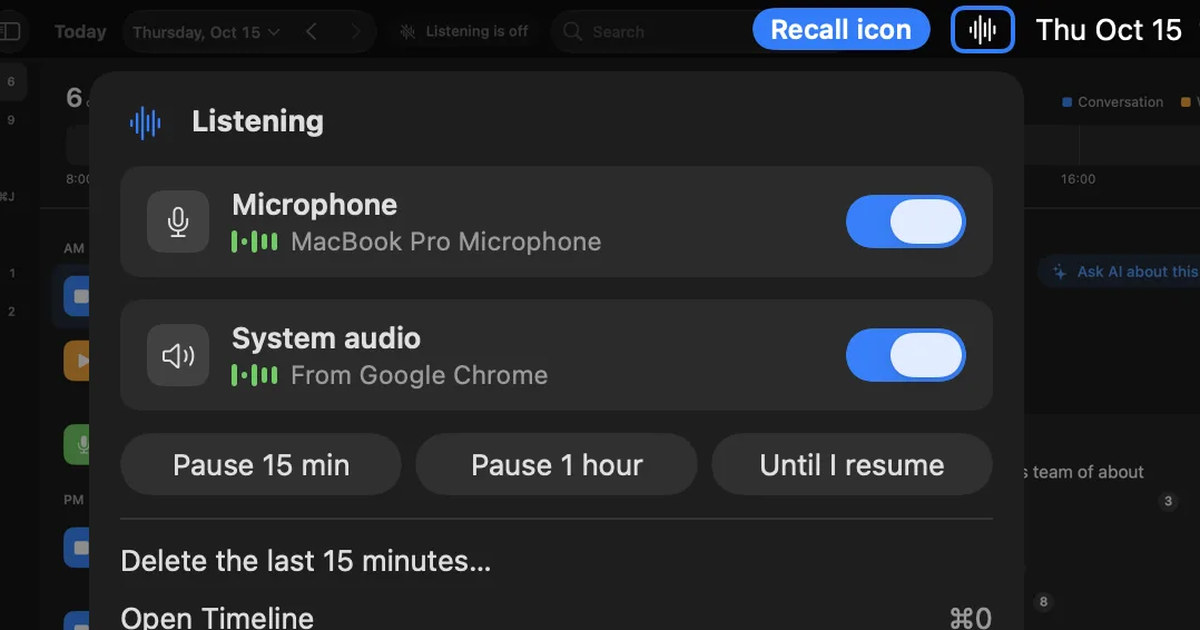
How to record internal audio on a Mac: macOS 27’s built-in option, BlackHole and OBS
On macOS 27 or later, a Mac can record internal audio with built-in screen recording. Steps for BlackHole and OBS on earlier Macs, what to check when there is no sound, and an option if you don’t need audio.
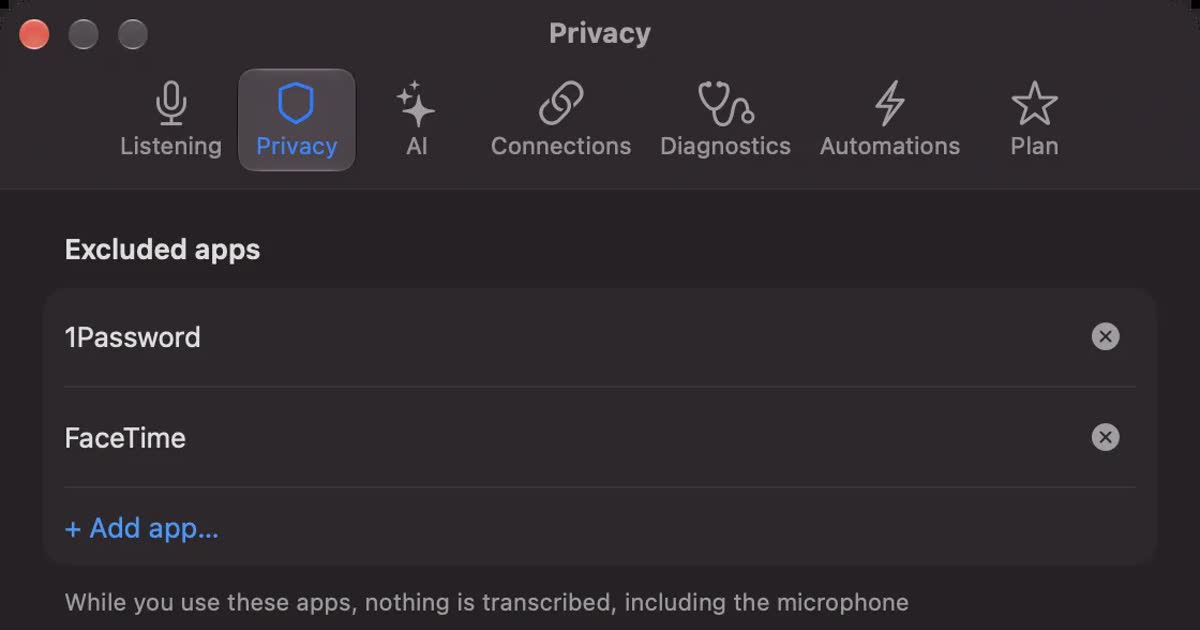
Is Otter.ai safe? Five checks for any AI meeting notetaker, with official answers
Is Otter.ai safe, and is any AI notetaker? Five checks (audio storage, where processing happens, AI training, sharing, telling participants), how to verify each, and what Otter, Notta, Rimo Voice, Granola and tl;dv officially say (checked November 13, 2026).