 Recall
Tactiq pricing, how it works, and how it differs from Recall
Tactiq's pricing plans, the Free plan's limits, what its Chrome extension and Mac app can do, how it handles Japanese, and where data is kept, checked against its official pages and compared with Recall, which transcribes on your Mac. Who Tactiq suits, and who Recall suits.
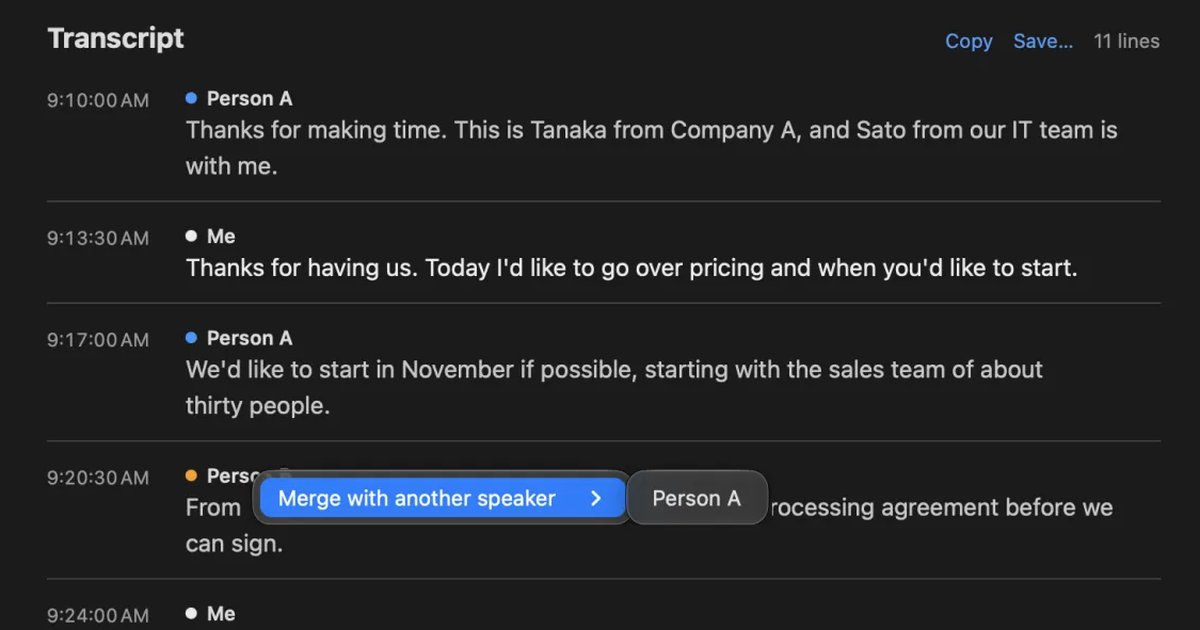
The short answer: Tactiq for keeping browser meetings as a team, Recall for keeping everything you hear on your Mac
Tactiq is a service that transcribes Google Meet, Zoom and Microsoft Teams meetings without adding a bot. It centers on a Chrome (and Edge) extension, and its Mac app handles calls in the Zoom, Teams and Slack huddle desktop apps. Transcripts gather in Tactiq's web screen (the dashboard), where you can use AI summaries. There are plans for teams.
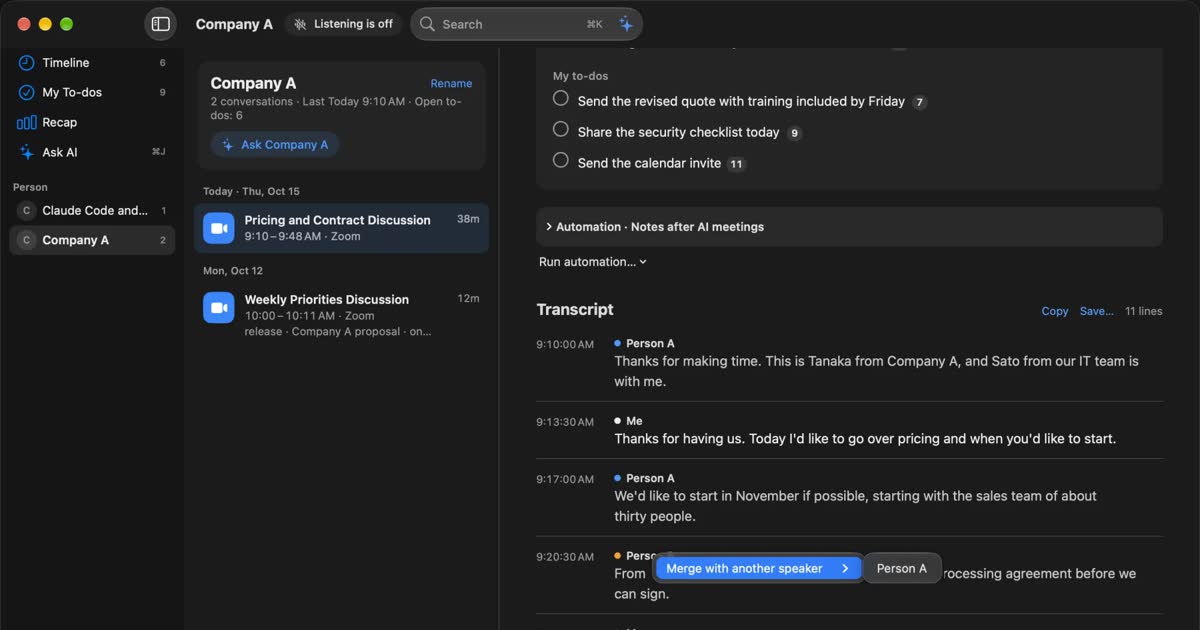
Recall is an app that transcribes meetings and videos you hear on your own Mac, without any recording step. It works with any meeting tool and can also keep in-person meetings. Transcription and summaries happen on this Mac, and records are saved on the Mac. Even on Free, transcription has no limit. It runs only on Macs with Apple silicon running macOS 26 or later.
This article is written by KOROMO K.K., which makes Recall. We are comparing our own product, so read it with that in mind. Tactiq details were checked on November 14, 2026 on its pricing page, its official site, and its help articles on using it with Zoom, installing the Mac app and supported languages. We have not compared accuracy on the same audio, so we do not claim either is more accurate.
What Tactiq is
Tactiq is a service for transcribing online meetings and summarizing them with AI. Its official site says it transcribes meetings in real time without a bot, and that it does not record or store meeting audio. The transcript is shown only to you, and it says you can also let all participants know during the meeting that you are transcribing.
In the help article's list of supported languages, Japanese is included for Google Meet, Teams and Zoom. Each meeting uses one language, and it does not switch automatically if the spoken language changes. You choose the language in Tactiq, and the help article asks you to set the meeting tool's caption language to match.
How to use Tactiq: the Chrome extension and the Mac app
Tactiq has two ways in, a Chrome extension and a Mac app, and which one you use depends on the meeting tool and how you open it.
| Chrome extension | Mac app | |
|---|---|---|
| Meetings supported | Google Meet, and Zoom and Teams opened in Chrome or Edge | The Zoom, Teams and Slack huddle desktop apps |
| What it transcribes from | For Zoom, the captions (the host must turn on automated captions) | Sound through macOS (using the microphone and Screen & System Audio Recording permissions) |
| When text arrives | In real time during the meeting | Uploaded to the dashboard when the call ends |
| Supported environments | Chrome and Edge (supported operating systems not stated on the pages we checked) | Mac (Apple silicon and Intel). A Windows version is under consideration |
Zoom is where people get stuck. According to the help article, the extension works only when you join Zoom in Chrome or Edge, not in the Zoom desktop app. Also, Zoom's automated captions must be turned on in the host's settings. In a meeting someone else hosts, if there is no button to show captions, you may not be able to use it in that meeting. If you join from the Zoom desktop app, use the Mac app. Google Meet, and Teams opened in a browser, are handled by the extension.
Tactiq's pricing and the Free plan's limits
These are the monthly prices per user with annual billing, as shown on the pricing page on November 14, 2026. The monthly-billing prices, and whether tax was included, could not be confirmed from what was shown at that time. The page says annual billing saves up to 33%. These are the yen prices the pricing page showed when we checked from Japan; it may show another currency for you.
| Plan | Monthly price (annual billing, per user) | For |
|---|---|---|
| Free | ¥0 | Up to 10 transcripts and 5 uses of AI features (credits) a month |
| Pro | ¥1,249 | 1 person |
| Team | ¥2,541 | 1 to 20 people |
| Business | ¥4,800 | 20 to 200 people |
| Enterprise | Custom quote | 200 people and up |
The Free plan's limit is 10 transcripts a month. Even three meetings a week makes 12 or 13 a month, so you reach the limit partway through the month. A year of Pro on annual billing is ¥1,249 × 12 months = ¥14,988. Recall has no transcription limit even on Free, and Pro is ¥9,800 a year (tax included).
Tactiq vs Recall
Neither one puts a bot in the meeting. The differences are where transcription happens, what sound each can handle, and where records are kept.
| Tactiq | Recall | |
|---|---|---|
| Where you use it | Chrome and Edge extension, Mac app | App for Macs with Apple silicon running macOS 26 or later |
| Sound it handles | Meet, Zoom, Teams and Slack huddle meetings | Sound you hear on the Mac (meeting tools, videos) and the microphone. In-person meetings too |
| How it starts | The extension or Mac app transcribes each meeting | Stays running and listens automatically |
| Where records are kept | Tactiq's dashboard | This Mac |
| Audio | Officially stated as neither recorded nor stored | Discarded once transcribed |
| Languages | Many languages including Japanese. One language per meeting | Choose Japanese or English in Settings |
| What Free covers | 10 transcripts and 5 AI credits a month | No limit on transcription. Viewing and search cover the last 14 days |
| Team sharing | Team and Business plans | A personal app. To pass it on, copy or save the transcript |
Recall details are as described on the Pricing and Features pages.
Where Tactiq is stronger
- Collects records for a team: Transcripts gather in the dashboard, and there are plans for teams.
- Intel Macs too: The Mac app supports both Apple silicon and Intel.
- Many languages: It can transcribe meetings in languages other than Japanese and English.
Where Recall is stronger
- Works with any meeting tool: It listens to the sound coming out of the Mac, so Google Meet opened in Safari, Webex, videos and webinars are all kept the same way. It does not depend on the host's caption settings.
- Keeps in-person meetings: It also transcribes voices picked up by the microphone. If you register your voice, people you meet in person are separated as “Person (in person)”.
- No limit on count: Even on Free, transcription has no limit.
- Records are not sent to our servers: Transcription and summaries both happen on the Mac. Records leave it only when you use a Pro feature you turned on yourself, or when you pass them on yourself.
Where data is kept
Tactiq's transcripts are kept in Tactiq's dashboard. The Mac app also uploads to the dashboard when the call ends. Its official site lists ISO 27001 certification, a SOC 2 Type II audit, and GDPR and HIPAA compliance, and its help says data sent to the OpenAI API it uses for AI summaries is not used to train OpenAI's models. We could not find which country or region the data is stored in on the pages we checked.
Recall discards audio once it is transcribed, and saves the transcript and summary on this Mac. The record leaves the Mac only when you use a Pro feature you turned on yourself (your own AI, connections to outside tools, workflow commands, and so on), or when you copy or save it and pass it on. The full list is in When records leave the Mac. If you use either one at work, check your company's rules first. The points to check are in What to check if you worry about leaks from AI meeting notes.
Who each one suits
Tactiq suits you if
- Most of your meetings are Google Meet in a browser, and you want to collect transcripts as a team.
- You want to use it on an Intel Mac, or in the Chrome or Edge browser.
- You have meetings in languages other than Japanese and English.
Tactiq does not suit you if
- You have more than 10 meetings a month but want to stay on Free.
- You also want to keep in-person meetings, or videos outside meeting tools.
- You do not want meeting transcripts kept on an outside service.
Recall suits you if
- You want to keep the meetings and videos you hear on your Mac, with any tool, without worrying about how many.
- You want to keep in-person meetings in the same app.
- You want records on your own Mac, not on outside servers.
Free to use · No account needed · macOS 26 or later · Mac with Apple silicon · By downloading, you agree to the Terms of Service
Recall does not suit you if
- You want to use Windows, an Intel Mac, or a Mac older than macOS 26.
- You want transcripts collected automatically in a team dashboard.
- You want to transcribe meetings in languages other than Japanese and English.
To compare more ways to transcribe without a bot, see tl;dv alternatives compared and How to transcribe Google Meet.
FAQ
Can I use Tactiq for free?
The Free plan costs nothing and covers up to 10 transcripts and 5 AI credits a month (pricing page, November 14, 2026). Beyond that, you need a paid plan.
Does Tactiq support Japanese?
Yes. In the help article's list of supported languages, Japanese is included for Google Meet, Teams and Zoom. Each meeting uses one language, and it does not switch automatically.
Can I use Tactiq with the Zoom desktop app?
Not with the Chrome extension. The extension works only when you join Zoom in Chrome or Edge. For the Zoom desktop app, use Tactiq's Mac app. The Mac app uploads the transcript to the dashboard when the call ends.
Does Tactiq put a bot in the meeting?
No. Its official site says it transcribes without a bot. Recall does not put a bot in the meeting either. With either one, tell participants you are transcribing.
Is Recall more accurate than Tactiq?
We do not know. We have not compared them on the same audio, so we cannot say which is more accurate. Tactiq has a Free plan and so does Recall, so check with your own meetings.
Checked November 14, 2026. Tactiq details come from Tactiq's official site, its pricing page, and its help articles (using it with Zoom, installing the Mac app, supported languages). Prices and features can change, so check the official pages before you buy or adopt it.
Free to use · No account needed · macOS 26 or later · Mac with Apple silicon · By downloading, you agree to the Terms of Service
Get the product overview (PDF) by email →
Related articles
How to transcribe Google Meet: built-in, extensions, or your Mac
Whether Google Meet's transcript works depends on the organizer's plan. Compare the built-in feature and plans, extensions and bots, and on-device Mac apps.
tl;dv alternatives compared: when you do not want a bot in the meeting
For people looking for a tl;dv alternative. We compare the bot and bot-free recording, where the record goes, free limits and pricing, and who should stay on tl;dv and who fits Recall.
Free AI note takers compared: 8 tools, what the free plans really cover
Free AI note takers stop in one of four places: monthly minutes, counts, how long you can see notes, or features. We checked the free plans of Notta, Otter, AiNote, tl;dv, Fireflies, Fathom, Granola, and Recall on their official pages on November 13, 2026, and worked out which can handle five meetings a week.
Krisp alternatives: pricing, the free trial, languages, and bot-free options
Krisp AI Meeting Assistant's pricing, how long it is free, how it captures audio, and which languages it transcribes, checked against its official pages on November 19, 2026, and compared with bot-free alternatives such as Jamie, Granola, Tactiq and Recall. Who should stay with Krisp, and who should switch.