 Recall
toruno pricing, free plan, and how it differs from Recall
Ricoh's AI minutes service toruno: its personal and business pricing plans, what its free plan covers, which meetings and devices it records, and how it handles data, checked against its official pages and compared with Recall, which stays running on your Mac. Who toruno suits, and who Recall suits.
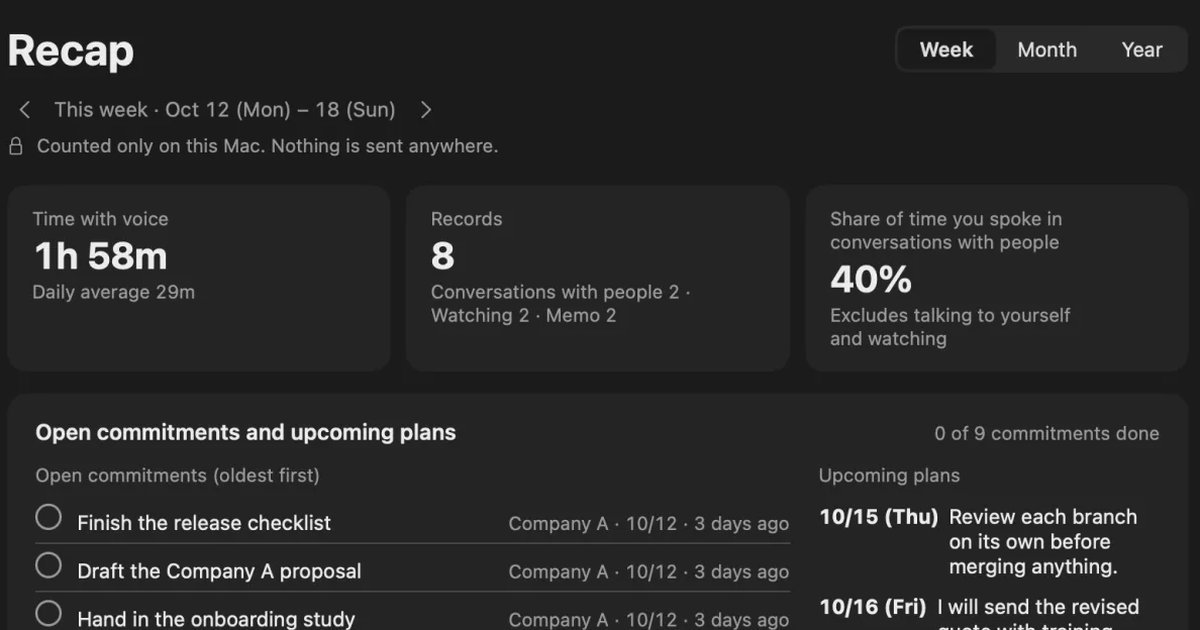
The short answer: toruno to keep audio and screens too, Recall to keep only the text on your Mac with no recording step
toruno is an AI meeting-minutes service provided by Ricoh Company, Ltd. It transcribes online and in-person meetings and audio or video files, and uses generative AI to make summaries and minutes. It can record audio and screen captures together with the text, so you can look back at moments in the meeting later. The personal plan, toruno Personal, has a free plan for up to 3 hours in total and a paid plan at ¥1,650 a month (tax included); business plans start at ¥9,000 a month (excluding tax) for 30 hours.
Recall is a personal app that keeps meetings and videos you hear on your own Mac, without any recording step. It stays in the menu bar and listens automatically; transcription and summaries happen on this Mac, and audio is not saved. Even on Free, transcription has no limit, and Pro is ¥980 a month (tax included). If you want to skip the step of starting each meeting, or do not want conversations kept on an outside service, Recall fits.
This article is written by KOROMO K.K., which makes Recall. We are comparing our own product, so read it with that in mind. toruno details were checked on November 14, 2026 on toruno's official site and its pricing plans. The personal plans were checked on its personal page. We have not compared accuracy on the same audio, so we do not claim either is more accurate.
What toruno is
According to its official site, toruno automatically transcribes the audio of meetings and sales calls, and uses generative AI to make minutes and summaries. Its main features are:
- Meetings it records: It can transcribe online meetings in Microsoft Teams, Zoom, Google Meet and Webex, in-person meetings, and the audio of YouTube or other videos played on a computer. It can also transcribe audio and video files.
- Everything in one record: With one click, it keeps the transcript, audio and screen captures as one record.
- Devices: The Windows version and the Mac app transcribe in real time. According to the personal page, the Mac app supports Macs with Apple silicon (macOS 26.0 or later). The iPhone app records and then uploads, so it is not real time, and it cannot transcribe web meetings. An Android app is listed as planned; on Android you can use browser recording (microphone sound only) and file uploads.
- AI Summary plans: Multilingual transcription, real-time translation, AI summaries and kintone integration are available only on the AI Summary plans.
toruno's pricing plans and free plan
toruno's pricing is split into toruno Personal for individuals and plans for businesses.
For individuals: toruno Personal
The personal page shows the following. There is no setup fee.
| Plan | Monthly price | Hours included and storage |
|---|---|---|
| Free plan | ¥0 | 3 hours in total from sign-up. 20GB storage |
| Paid plan | ¥1,650 (tax included) | 10 hours a month. ¥2.2 a minute beyond that (tax included). 20GB storage |
The free plan needs no payment method, and the paid plan is paid by credit card. The page says the free plan does not switch to the paid plan automatically. The free 3 hours are not per month but in total from sign-up. That is three one-hour meetings.
For businesses
The pricing plans show the following. All prices exclude tax. There is no setup fee, and billing is monthly by invoice.
| Plan | Monthly price (excluding tax) | Hours and storage |
|---|---|---|
| toruno Business 30h | ¥9,000 | 30 hours; extra time ¥300 an hour; 75GB of storage |
| toruno Business 100h | ¥28,500 | 100 hours; extra time ¥285 an hour; 250GB of storage |
| toruno Business 500h | ¥135,000 | 500 hours; extra time ¥270 an hour; 1,500GB of storage |
| AI Summary 30h | ¥27,000 | 30 hours; extra time ¥900 an hour; 75GB of storage |
| AI Summary 100h | ¥85,500 | 100 hours; extra time ¥855 an hour; 250GB of storage |
Every plan allows up to 1,000 registered users. The included hours are shared by the registered users, so the more people use it, the lower the cost per person. AI summary instructions are limited to 20 per meeting. When storage reaches its limit, you can no longer make new recordings.
For businesses, there is a free trial of three weeks covering every feature, including AI Summary. You can also choose an individual walkthrough over a web meeting when you apply.
toruno vs Recall
toruno is a cloud minutes service that stores recordings and records on the service, and Recall is an app that transcribes only inside your own Mac. The main differences are:
| toruno | Recall | |
|---|---|---|
| For | Individuals (Personal) and businesses (up to 1,000 users) | Individuals |
| Where you use it | Windows, Mac and iPhone apps, browser | App for Macs with Apple silicon running macOS 26 or later |
| How it starts | You start recording (one click) | Stays running and listens automatically |
| What is kept | Transcript, audio, screen captures | Transcript and summary. Audio is discarded |
| Recorded files | Can transcribe them | Cannot import them |
| Languages | Multilingual transcription and translation on AI Summary plans | Choose Japanese or English in Settings |
| Price | Individuals: free (3 hours in total), paid ¥1,650 a month (tax included, 10 hours a month). Businesses: from ¥9,000 a month (excluding tax, 30 hours) | Free costs ¥0, with no limit on transcription (viewing and search cover the last 14 days). Pro is ¥980 a month or ¥9,800 a year (tax included) |
| How to try it | Individuals sign up for the free plan. Businesses: three-week free trial (by application) | Download and use Free right away |
Recall details are as described on the Pricing and Features pages.
Where toruno is stronger
- Organization-wide use: One contract registers up to 1,000 people, who share the hours. It also supports payment by invoice.
- Look back at moments in the meeting: Audio and screen captures are kept too, so you can check what was said on which slide.
- Windows, phones and files: It works in Windows, Mac and iPhone apps and in a browser, and can transcribe recorded files. Recall is only a Mac app and cannot import files.
- Translation and kintone: AI Summary plans have real-time translation and kintone integration.
Where Recall is stronger
- No limit on hours: Download it and use Free right away, with no account. Transcription has no limit.
- Nothing missed: It stays in the menu bar and automatically listens to the microphone and the sound coming out of the Mac.
- Records are not sent to our servers: Transcription and summaries both happen on the Mac. Records leave it only when you use a Pro feature you turned on yourself, or when you pass them on yourself.
- Find things later: Search by words with ⌘K, and when you ask the AI, it answers with the numbers of the lines it is based on.
How data is handled
toruno's official site says that audio data and transcription results are never used for training by any speech recognition AI. It uses Amazon Bedrock for generative AI, and says this is not used for training either. Records are kept in each plan's storage (20GB for individuals, from 75GB for businesses). We could not find which country or region the data is stored in on the pages we checked. If you are considering adopting it, check with its official help or its staff.
Recall discards audio once it is transcribed, and saves the transcript and summary on this Mac. The record leaves the Mac only when you use a Pro feature you turned on yourself (your own AI, connections to outside tools, workflow commands, and so on), or when you copy or save it and pass it on. The full list is in When records leave the Mac. Recall keeps no copy of your record, so protecting against a broken or lost Mac is up to you. If you use either one at work, check your company's rules first. The points to check are in What to check if you worry about leaks from AI meeting notes.
Who each one suits
toruno suits people and organizations that
- Want to adopt AI minutes across a department or company and share the hours.
- Want to record on Windows PCs and phones too, and transcribe recorded files.
- Want to keep audio and screen captures too, to look back at moments in meetings.
toruno does not suit people or organizations that
- Do not want to start recording for every meeting, or want to use it without watching the monthly hours.
- Do not want meeting audio or screens kept on an outside service.
Recall suits you if
- You want to start free without worrying about a limit on meeting hours.
- You want to keep the meetings and videos you hear without any recording step.
- You want records on your own Mac, not on outside servers.
Free to use · No account needed · macOS 26 or later · Mac with Apple silicon · By downloading, you agree to the Terms of Service
Recall does not suit you if
- You want to share records with a team or company.
- You want to use Windows, a phone, an Intel Mac, or a Mac older than macOS 26.
- You want to keep audio to listen again, or transcribe recorded files.
To compare more AI minutes services for businesses, see YOMEL pricing, features, and how it differs from Recall and AutoMemo pricing, features, and how it differs from Recall.
FAQ
Does toruno have a free plan?
toruno Personal, for individuals, has a free plan you can use for up to 3 hours in total from sign-up. There is no free plan for businesses; there is a free trial of three weeks covering every feature.
How much does toruno cost?
As listed officially, the personal paid plan is ¥1,650 a month (tax included) for 10 hours a month. For businesses, toruno Business 30h is ¥9,000 a month (excluding tax), and beyond 30 hours it is ¥300 an hour. Plans that include AI summaries start at ¥27,000 a month (excluding tax) for 30 hours.
Does toruno work on a Mac?
Yes. According to its official site, the Mac app transcribes in real time, the same as the Windows version. The personal page covers Macs with Apple silicon (macOS 26.0 or later).
Can I keep my Mac's meetings without any recording step?
Recall is a Mac app that stays in the menu bar and listens automatically, and you can use Free as soon as you download it. Transcription has no limit, and records are saved on this Mac. It runs on Macs with Apple silicon running macOS 26 or later.
Is Recall more accurate than toruno?
We do not know. We have not compared them on the same audio, so we cannot say which is more accurate. toruno has a trial and Recall has a Free plan, so check with your own meetings.
Checked November 14, 2026. toruno details come from toruno's official site, its pricing plans, and its personal page. Prices and features can change, so check the official pages before you adopt it.
Free to use · No account needed · macOS 26 or later · Mac with Apple silicon · By downloading, you agree to the Terms of Service
Get the product overview (PDF) by email →
Related articles
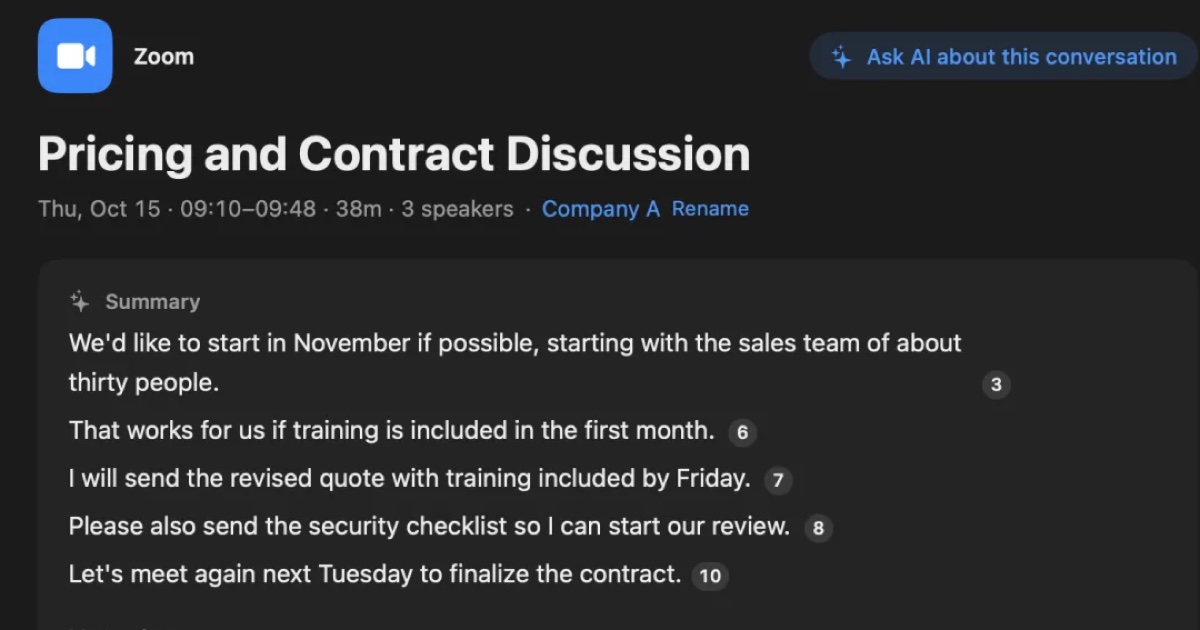
YOMEL pricing, features, and how it differs from Recall
YOMEL's pricing plans, how it listens without a bot, how it separates speakers, and how it handles data, checked against its official pages and compared with Recall, a personal Mac app. Which organizations YOMEL suits, and who Recall suits.
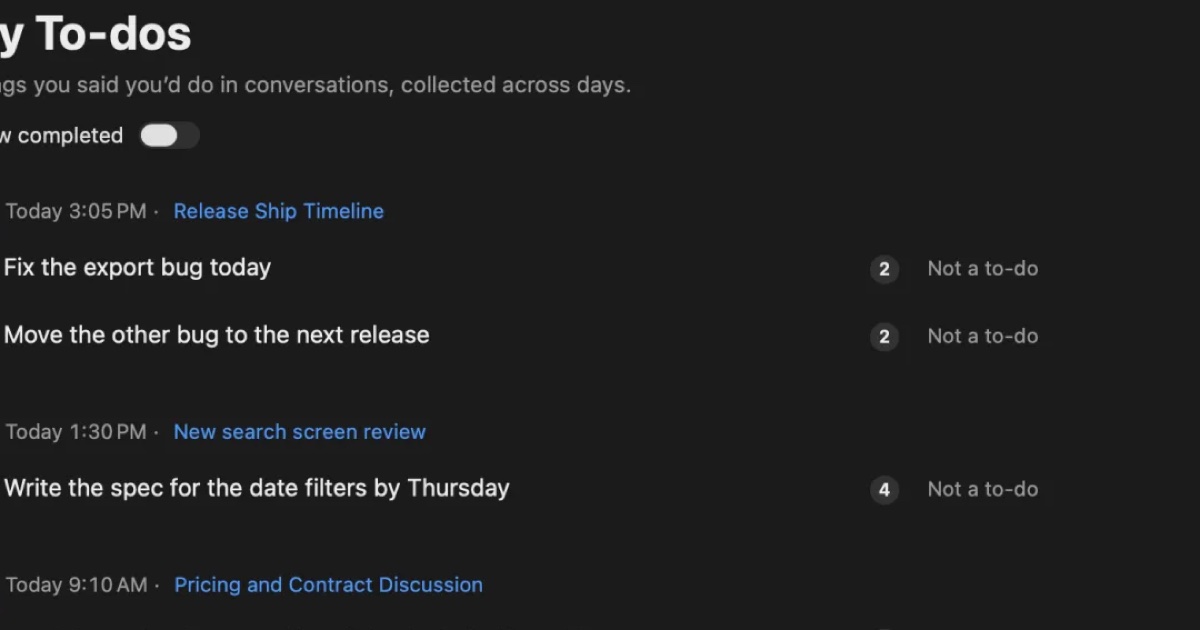
AutoMemo pricing, features, and how it differs from Recall
Sourcenext's AutoMemo: its pricing plans, how it records, and how it handles data, checked against its official pages and compared with Recall, which runs on your Mac. Who AutoMemo suits, and who Recall suits.
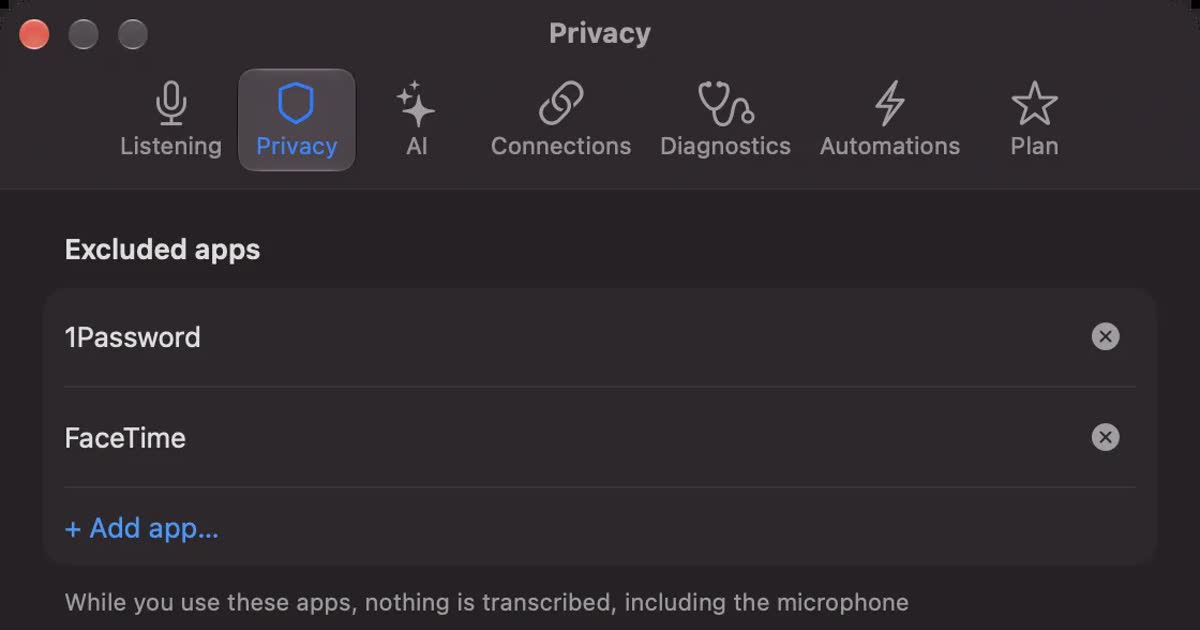
Is Otter.ai safe? Five checks for any AI meeting notetaker, with official answers
Is Otter.ai safe, and is any AI notetaker? Five checks (audio storage, where processing happens, AI training, sharing, telling participants), how to verify each, and what Otter, Notta, Rimo Voice, Granola and tl;dv officially say (checked November 13, 2026).