 Recall
Jamie AI alternatives: free plan limits, pricing, and where your notes are kept
Jamie's free plan limits (10 AI notes a month, 30-minute meetings), pricing, how recording starts, and where data is kept, checked against its official pages on November 19, 2026, and compared with Krisp, Granola, Tactiq and Recall. Who should stay with Jamie, and who should switch.
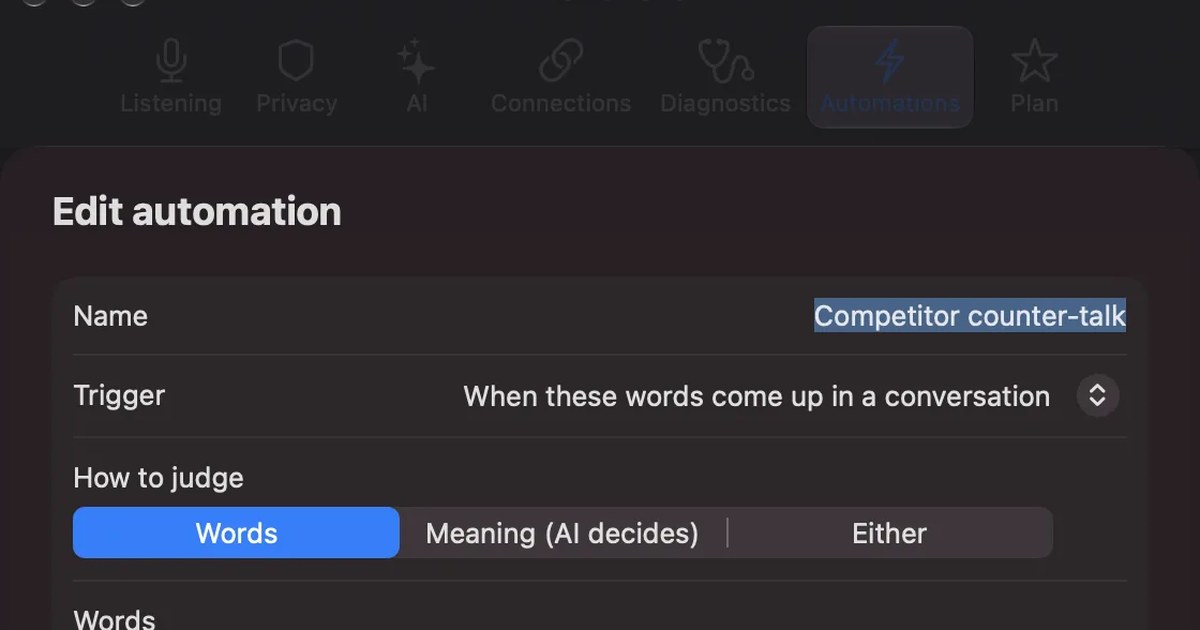
The short answer: Jamie for Windows and many languages, Recall for keeping every Mac meeting free
Jamie is a bot-free meeting notes app from a company in Berlin, Germany. It runs on Mac and Windows, handles 99+ languages according to its pricing page, and its official site says storage and processing stay within the EEA, Switzerland and the UK. If you also use Windows, hold meetings in many languages, or want your notes kept in Europe, Jamie is a good fit.
The usual reason to look elsewhere is the free plan. On November 19, 2026 the pricing page showed Free at 10 AI notes a month, with meetings capped at 30 minutes. Three or more meetings a week, or hour-long meetings, push you onto a paid plan within the month. Recall's Free plan has no limit on the number or length of transcriptions, but it runs only on Apple silicon Macs with macOS 26 or later.
This article is written by KOROMO K.K., the company that makes Recall. We are comparing our own product, so weigh it with that in mind. Jamie details were checked on November 19, 2026 on Jamie's pricing page, official site and documentation (quickstart and supported languages). We have not compared accuracy on the same audio, so we do not rank accuracy.
What Jamie is
Jamie makes transcripts and AI notes for online and in-person meetings without adding a bot to the call. Its official site says no bot joins your calls and that it works across Zoom, Teams, Google Meet or any other online platform. It says in-person meetings can be captured from your laptop or your phone.
According to its documentation, Jamie runs on macOS or Windows, and on a Mac it needs macOS 14.4 or later. You start a recording with the Start Jamie button at the top left of the app, and a mic-based reminder prompts you to start when you join an online meeting. Japanese is in the documentation's list of supported languages, not in the limited-support group.
Jamie's pricing and free plan limits
These are the plans shown on the pricing page on November 19, 2026, in euros. The page has a monthly and yearly switch, with yearly labeled "-17%".
| Plan | Price | AI notes and meeting length |
|---|---|---|
| Free | €0 | 10 a month, up to 30 minutes each |
| Plus | €21 in the comparison table | 20 a month, up to 2 hours each |
| Pro | €39 a month, billed annually | Unlimited, up to 5 hours each |
| Team | €33 per seat a month, billed annually | Unlimited, up to 5 hours each |
| Enterprise | Custom (10+ users, billed annually) | Unlimited, with retention settings and more |
We could not tell from the page whether Plus's €21 is the monthly or yearly-billed price. Storage is unlimited on every plan, and every plan covers in-person meetings and all online platforms.
The free plan has two limits that bite: count and length. Three one-hour meetings a week come to 12 or 13 a month, past the 10-note limit, and any meeting longer than 30 minutes cannot be kept in full on Free. Pro for a year is €39 × 12 = €468. Recall's Free plan has no transcription limit, and Pro is ¥9,800 a year (tax included).
Where Jamie keeps your data
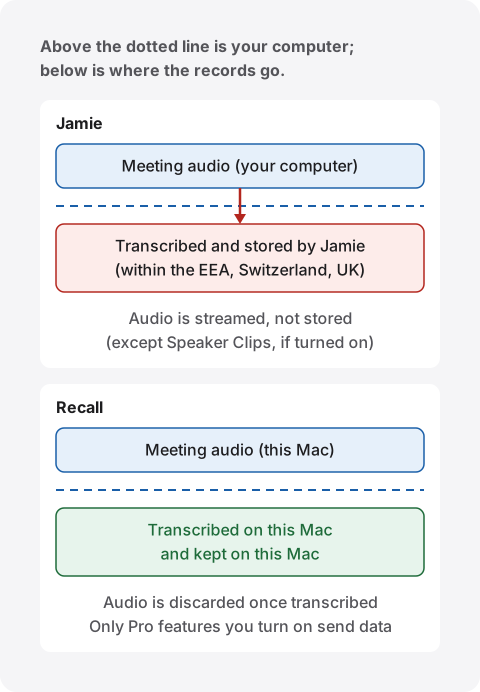
Jamie's official site says storage and processing stay within the EEA, Switzerland and the UK. It says audio is streamed, not stored, except for a few seconds per speaker when Speaker Clips are turned on. The pricing page also says your data is not used for model training and that it is GDPR compliant.
Recall discards audio once it is transcribed and keeps transcripts and summaries on your Mac. Meeting records are not sent to our servers. They leave your Mac only when you use a Pro feature you turned on (your own AI, connections to outside tools and so on), or when you copy or save them to hand over yourself. The full list is in When anything leaves your Mac. If you use either one at work, check your company's rules first. What to check is in meeting AI data safety.
Bot-free Jamie alternatives
Most people leaving Jamie want to keep the bot-free approach. Here are bot-free alternatives, sorted by how they work. Prices and free limits were checked on each pricing page on November 19, 2026. Tactiq's Mac app is described in our Tactiq comparison, checked on November 14, 2026.
| Where it runs | Where records live, and what is free | |
|---|---|---|
| Krisp | Mac, Windows and phone apps, plus a Chrome extension. You choose Krisp as the mic and speaker in your meeting app | A 7-day free trial. Transcribes 16 languages, with noise cancellation |
| Granola | Desktop, iOS and Android apps, capturing device audio | Stored in Granola's service. Basic ($0) keeps 30 days of meeting history |
| Tactiq | Chrome and Edge extension, plus a Mac app for desktop meeting apps such as Zoom | Stored in Tactiq's dashboard. Free: 10 transcripts a month |
| Recall | Mac app for Apple silicon Macs on macOS 26 or later. It stays running and listens on its own | Stored on your Mac. Free: unlimited transcription, with the last 14 days shown and searchable |
Krisp stands out for removing noise from your own voice. For more detail, see our Granola comparison and Tactiq comparison. For how these differ from tools that send a bot (Fireflies, Fathom and others), see Fireflies and Fathom alternatives.
How Jamie and Recall differ
Neither puts a bot in the meeting. They differ in how recording starts, what is free, where records are kept, and which computers they run on.
| Jamie | Recall | |
|---|---|---|
| How it starts | Press Start Jamie to begin recording | Stays running and listens on its own. No record button |
| What it hears | Online and in-person meetings | What your Mac plays (meeting apps, videos) and the mic. In-person meetings too |
| Computers | Mac (macOS 14.4 or later) and Windows | Only Apple silicon Macs on macOS 26 or later |
| Languages | 99+, including Japanese | English or Japanese, chosen in Settings |
| What is free | 10 AI notes a month, up to 30 minutes each | Unlimited transcription; the last 14 days shown and searchable |
| Paid price | Pro: €39 a month, billed annually | Pro: ¥980 a month or ¥9,800 a year (tax included) |
| Where records live | Jamie's service (EEA, Switzerland and the UK) | On your Mac. Audio is discarded once it is transcribed |
| Teams | Team and Enterprise plans | A personal app |
Recall details follow our Pricing and Features pages.
Where Jamie is stronger
- Windows too: a team with both Macs and PCs can use one app.
- Many languages: meetings in languages other than English and Japanese can be transcribed.
- Kept in Europe: it states that storage and processing stay within the EEA, Switzerland and the UK.
- Older macOS: on a Mac it runs on macOS 14.4 or later.
Where Recall is stronger
- No count or length limit on Free: you can keep an hour-long meeting every day without paying.
- Nothing to forget to press: it stays running and listens on its own. Videos and webinars outside meeting apps are kept the same way.
- Your records do not go to our servers: transcription and summaries run on your Mac, and records stay there.
Who each one suits
Stay with Jamie if
- You also use Windows, or want one app across a team.
- You hold meetings in languages other than English and Japanese.
- You want notes in the cloud, managed within Europe.
Jamie is not for you if
- You have more than 10 meetings a month and want to stay free.
- You want meetings longer than 30 minutes kept for free.
- You would rather not keep meeting records on an outside service.
Recall suits you if
- You want every meeting and video you hear on your Mac kept, without counting or timing them.
- You do not want to depend on remembering a record button.
- You want records on your own Mac, not on an outside server.
Free to use · No account needed · macOS 26 or later · Mac with Apple silicon · By downloading, you agree to the Terms of Service
Recall is not for you if
- You use Windows, an Intel Mac, or a Mac older than macOS 26.
- You want records gathered in one place for a team.
- You need languages other than English and Japanese.
To compare more free meeting note takers, see free AI note takers compared and how to transcribe in-person meetings.
FAQ
Is Jamie free?
The Free plan costs nothing and gives 10 AI notes a month, with meetings up to 30 minutes (pricing page, November 19, 2026). Beyond that you need a paid plan such as Plus or Pro.
Does Jamie support Japanese?
Yes. Japanese is in the documentation's list of supported languages, not in the limited-support group.
Does Jamie add a bot to the meeting?
No. Its official site says no bot joins your calls. Recall does not add a bot either. With either one, tell the participants you are transcribing.
Does Jamie store meeting audio?
According to its official site, audio is streamed, not stored, except for a few seconds per speaker when Speaker Clips are on. Transcripts and notes are stored within Europe (the EEA, Switzerland and the UK).
Is Recall more accurate than Jamie?
We do not know. We have not compared them on the same audio, so we cannot say which is more accurate. Both have a Free plan, so check with your own meetings.
Checked November 19, 2026. Jamie details come from its pricing page (https://www.meetjamie.ai/pricing), official site (https://www.meetjamie.ai/) and documentation (https://docs.meetjamie.ai/ and its supported languages page). Krisp details come from its pricing page (https://krisp.ai/pricing/) and AI note taker page; Granola details from its pricing page (https://www.granola.ai/pricing); and Tactiq's free limits from its pricing page (https://tactiq.io/pricing). Prices and features can change, so check the official pages before you buy or adopt one.
Free to use · No account needed · macOS 26 or later · Mac with Apple silicon · By downloading, you agree to the Terms of Service
Get the product overview (PDF) by email →
Related articles
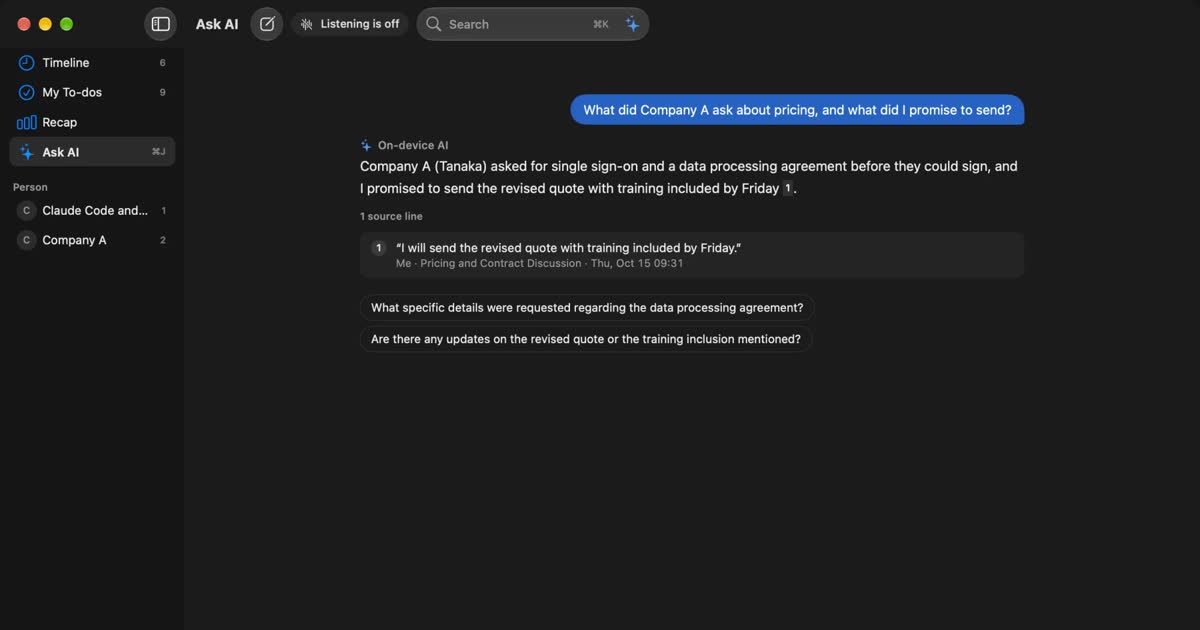
Granola AI alternatives: Granola vs Otter and Recall compared
For people looking for a Granola AI alternative. We compare languages, Granola vs Otter, where notes are processed and stored, how to opt out of training, and pricing from official sources, including who should stay with Granola and who Recall does not suit.
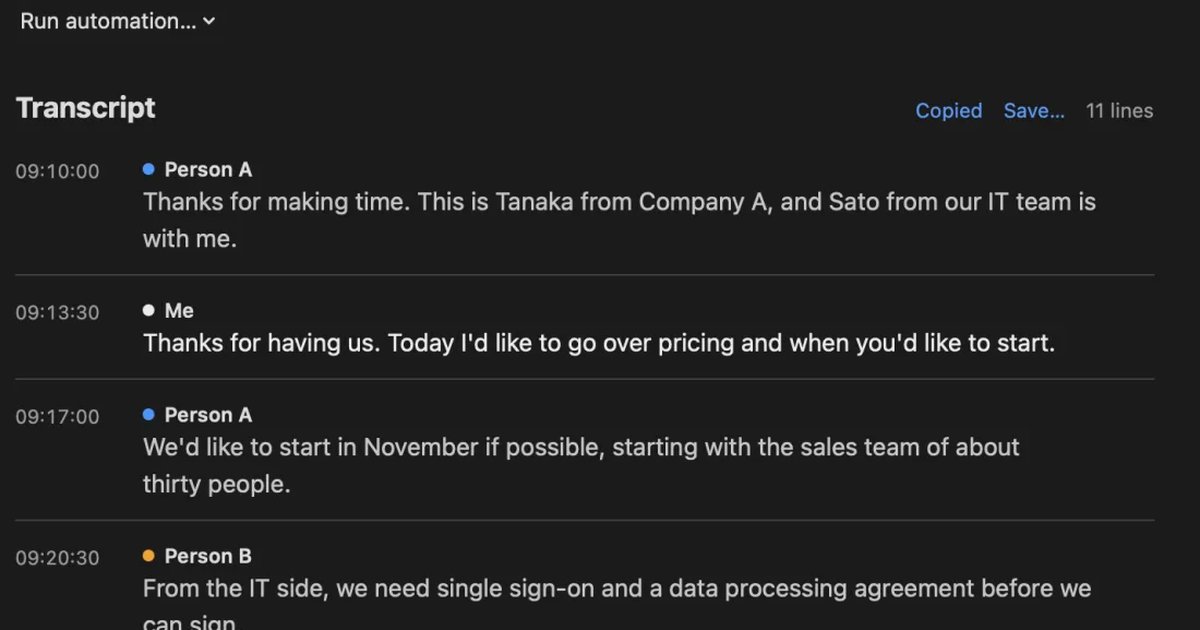
Free AI note takers compared: 8 tools, what the free plans really cover
Free AI note takers stop in one of four places: monthly minutes, counts, how long you can see notes, or features. We checked the free plans of Notta, Otter, AiNote, tl;dv, Fireflies, Fathom, Granola, and Recall on their official pages on November 13, 2026, and worked out which can handle five meetings a week.
How to transcribe in-person meetings on a Mac: placement, telling speakers apart, and mixed online meetings
How to transcribe meeting-room discussions and one-on-ones with the Mac on the table. We compare Voice Memos, Zoom’s My Notes, phones and recorders, and Recall, and cover where to put the microphone, how speakers are split, and meetings where online participants join in.