Recall
External AI tools and live triggers
How other AI tools read your Recall records, and how to ask an AI on cues during a conversation. Things that run at set times are in Workflows.
Reading from outside AI tools (Pro)
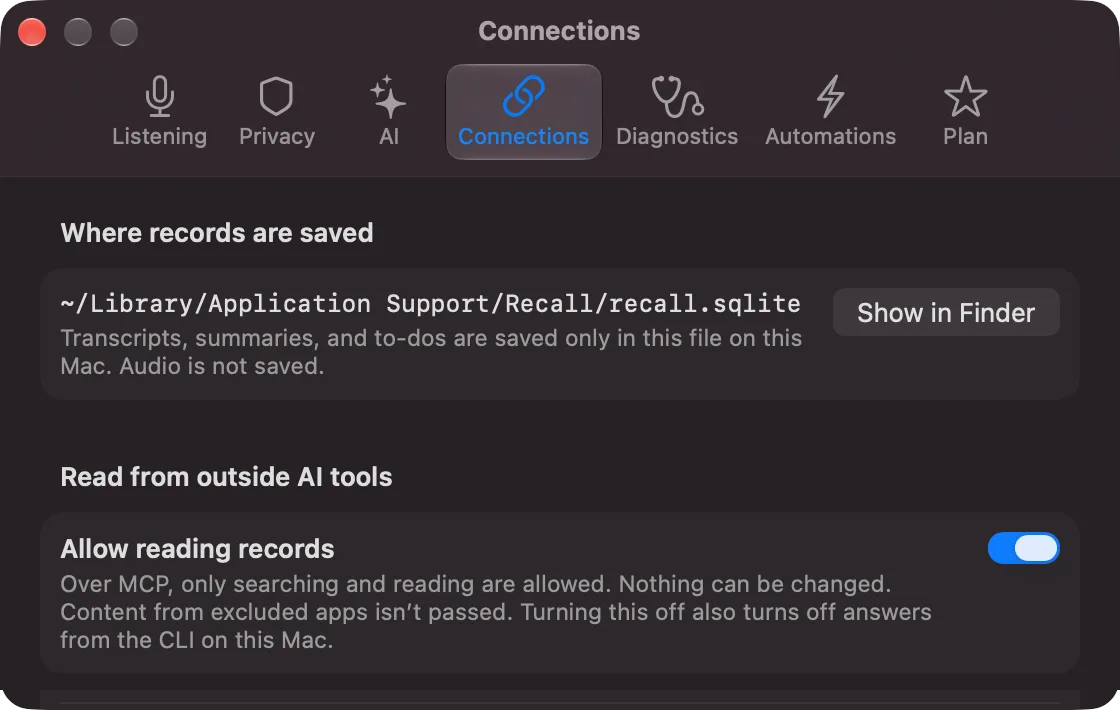
Tools that support MCP, such as Claude Code, Codex and Claude Desktop, can read your records. Turn it on in Settings › Connections and paste the configuration shown there into the tool.
- Besides conversation records, tools can search and read notes, conversation notes and the contents of files attached to notes (the text that could be read). A canvas is given as text made from what is placed on it. Reading a note also returns each attachment’s name, type, size and its location on this Mac, so a tool that can read files can open the original file from there.
- The notes list also tells each item’s kind (note, file or canvas), its folder and the conversations it is linked to. Reading a conversation’s note also returns the notes linked to that conversation.
- Commitments can be read with who owns them and their due dates, including the other side’s (only yours unless a tool asks for both).
- Tools can also read the results of workflows (the text an AI wrote and sent to an output). Trial runs and “Organize notes” are not included.
- Tools can read Connections too. Give one name of a company, team, person or project, or the title of a conversation or note, and Recall returns what it is connected to, with the kind of link, how many times, and the conversations and notes behind it. When two or more share the name (people of the same name at different companies, for example), it returns candidates to choose from. Tools can also read the chosen one’s timeline, including what a decision was before it changed.
- Your records and notes are read only; tools cannot change them. Only memory (your second brain) can be added to, decided on or forgotten, and only when you turn on “Allow changing memory” in Settings › Connections (Pro). Content from excluded apps is not given out.
- What is read is sent to the tool’s provider (Anthropic, OpenAI and so on).
- Every read is logged and can be seen in Settings › Connections (search words and content are not logged).
- When you turn it off, it applies to connected tools from their next read.
The risk that words from a video or similar are read as instructions to a connected AI tool cannot be removed completely. Use the tool’s own permission checks as well.
Automations (now workflows)
Automations that ask an AI when a conversation ends, when a summary is ready, at a set time or by hand have moved to “Workflows” in the main window. The ones you made before keep working as they did, as workflows with two steps under the trigger: “AI Writes” and “Show in conversation details”. Results still show in the same places (Workflows).
Only live triggers (below) stay in Settings › Automations. The line at the top with “Open” takes you to the workflows screen. In a conversation’s details, the button is now “Run Workflow…”.
Passing your records to a command you registered (Pro) is covered in Workflows: commands.
Live AI cards (live triggers)
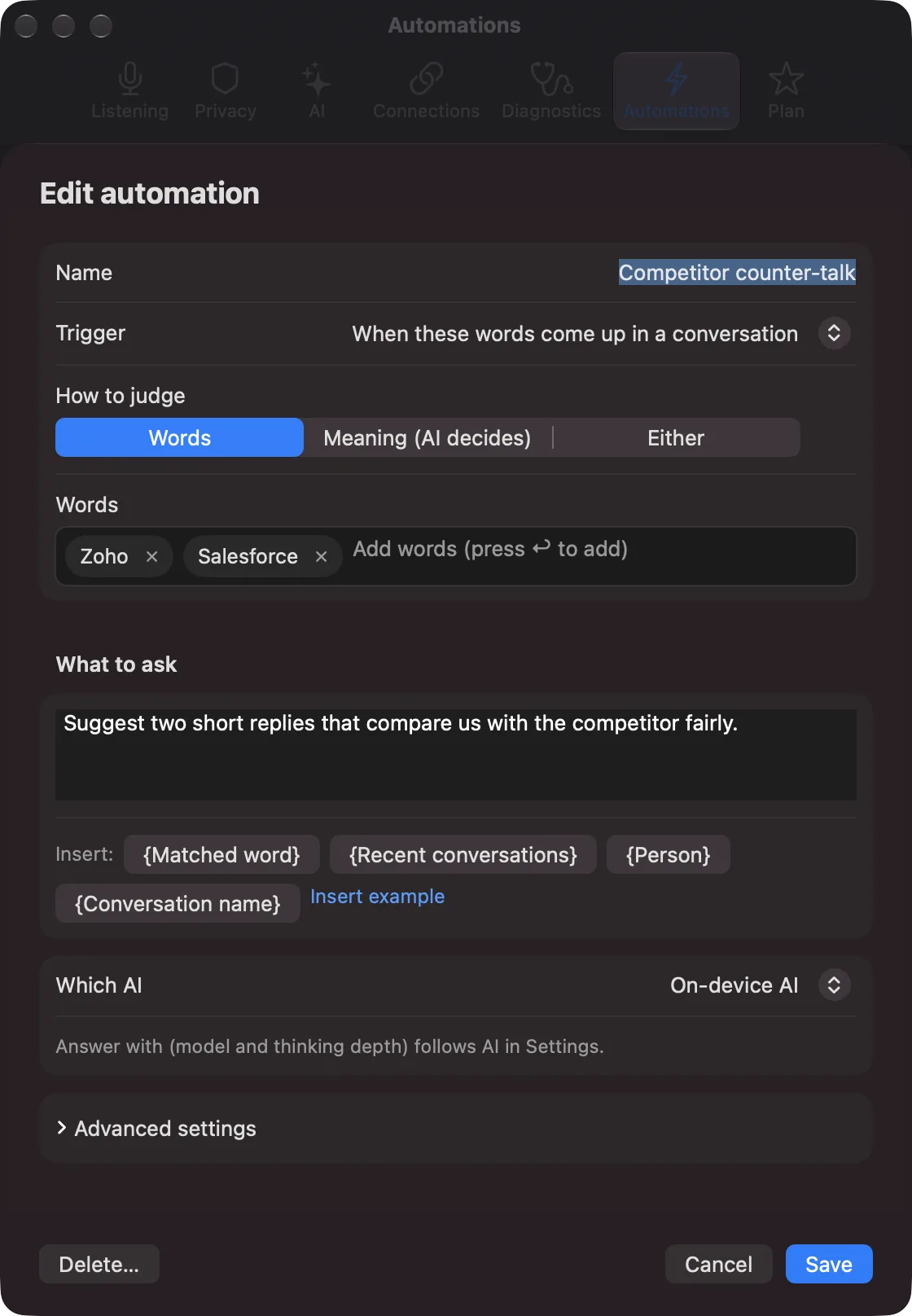
Set an automation’s trigger to “When these words come up in a conversation”, and when the words or topics you set come up in the conversation being listened to, the AI’s answer appears as a card. While the Live Panel is open, it appears in the captions right after that line; while it is closed, it appears below the menu bar icon. Cards are set not to show in screen sharing. Check once in the meeting tool you use. Cards are kept with the conversation (“Cards from this conversation” in the conversation’s details).
- Trigger: words (contains or exact match; different spellings of the same word, such as “Zoho” and “ZOHO”, or “café” and “cafe”, count as the same word), a meaning the AI judges, or either of the two. You set who spoke (the other person by default), the interval between cards for the same trigger, the maximum per conversation, and how much of the recent conversation to give the AI (up to 15 minutes).
- AI that answers: the on-device AI, or your own Claude, ChatGPT or Gemini (Pro). How it answers and the model follow Settings › AI.
- AI that judges meaning: one for all meaning triggers, chosen at the top of the list. The on-device AI by default. You can also choose Jev (a model only for judging, through Vercel AI Gateway; your own key), or Claude, ChatGPT or Gemini (API key) (Pro). Until there is a key, the on-device AI judges.
- Registered tools (Pro): of the tools loaded with “Load tools”, the AI can use only the ones you choose. When Claude Code or Codex answers, tools cannot be used.
What is sent when using something other than the on-device AI:
- Judging meaning: each time a new line comes in, that line and the 60 seconds before it (with speakers only as “Me” and “Other”) are sent to the AI that judges.
- Card answers: when a trigger matches, the recent lines (the length you set, including speaker names), and the condition and request you wrote, are sent to the AI that answers.
- Registered tools: they run when the AI calls them, and part of the conversation may be passed to a tool. Recall cannot know whether a tool sends the content elsewhere or keeps a copy.
Before saving, Recall shows what is sent where and asks you to confirm (choosing “Not now” saves it switched off). It asks again when you change the AI that judges. The other people in the conversation have not agreed to the sending.
When one is stopped, the reason shows on its row in Settings › Automations: “Allow again”, “Works once you add an API key for [Claude]”, “Tools cannot be used when Claude Code answers”, “Tool [...] not found”, “Requires Pro”. When judging meaning fails three times in a row, or when judging by something other than the on-device AI reaches 300 times in one conversation, judging stops for that conversation, and a one-line notice appears above the captions.