 Recall
Live Panel and conversation notes
The Live Panel, which you can ask during a meeting, and the note you jot down for that conversation.
Live Panel
A panel for asking about the conversation being listened to, right then. Open it with ⌥⌘L (from any app; press it again to close), the conversation card in the popover, or “Ask about the current conversation” in the Timeline.
- It has captions (with who spoke), the buttons “Summarize so far”, “What did they ask?” and “What I committed to”, and a question field.
- Answers are based on the lines from the last 15 minutes. Click a time chip to jump to that line.
- You can choose the AI that answers with the panel’s chip (Pro; the same choices as for questions in the assistant). Each time it opens, it starts with the AI chosen for “Ask AI and Live Panel” in Settings › AI. With an outside AI, the lines from the last 15 minutes (up to 6,000 characters) are sent to that company (Recall asks you to confirm the first time).
- While you are at the bottom, the captions follow new lines automatically. While you have scrolled up to read, they do not follow, and “New lines ↓” takes you back.
- The captions use the panel’s height. Drag the panel’s edge to resize it.
- While listening, drop a file on the panel to add it to that conversation’s materials (“Undo” takes it back). It is listed under “Materials for This Conversation” in the conversation’s details (Notes).
- The panel floats above other apps. It is set not to show in screen sharing. Check once in the meeting tool you use. It never opens on its own.
- If you set up live triggers, the AI’s answer card appears in the captions right after the line that triggered it (Live AI cards).
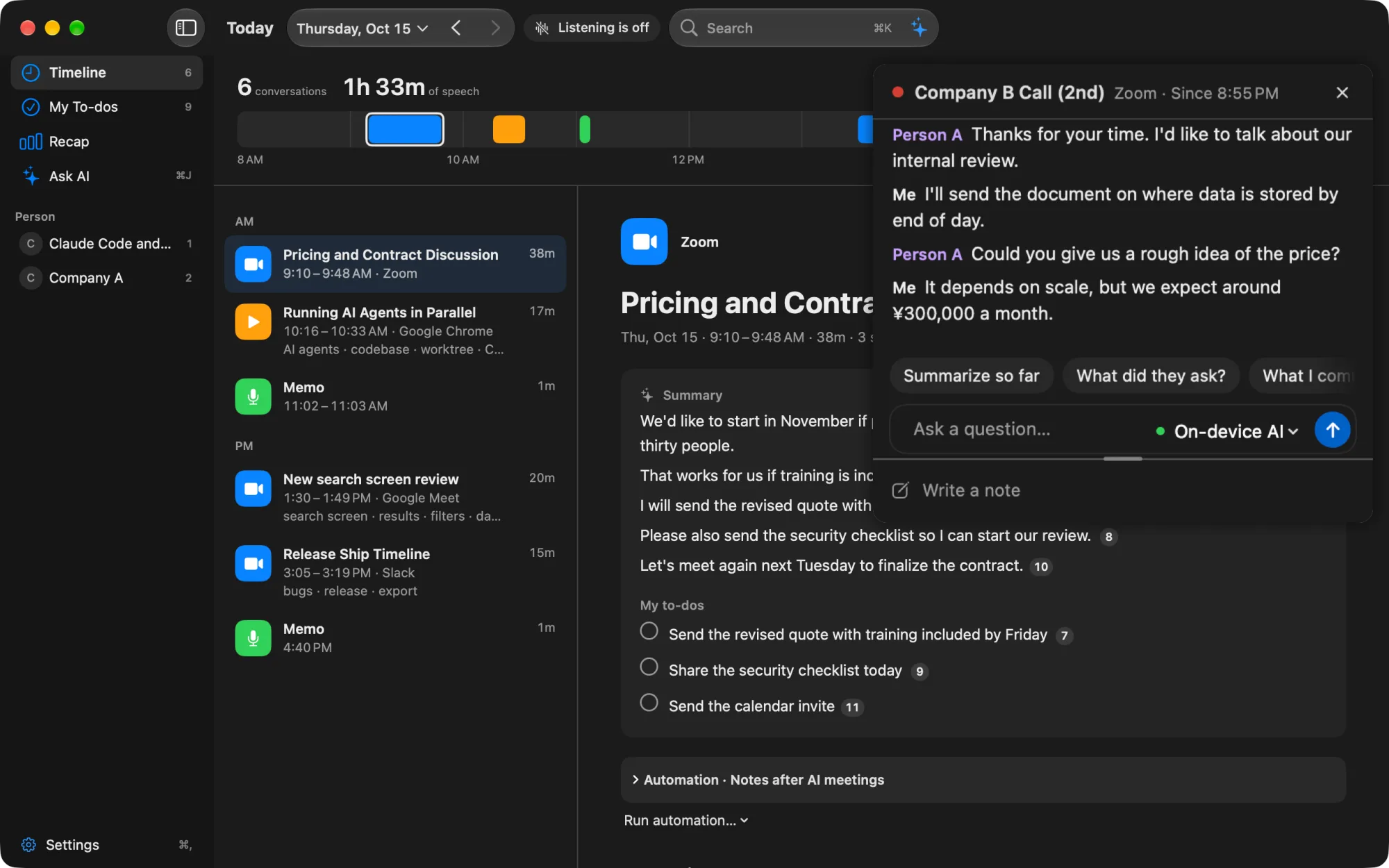
Note
In “Note” at the very bottom of the panel, you can jot things down about the conversation. It is written to the conversation the panel started following (the heading shows something like “Note · Conversation from 14:02”).
- It is saved on this Mac when you stop typing, leave the field, close the panel, and so on. You can write up to 100,000 characters.
- The note is read and cited when the assistant answers questions and by outside AI tools (Pro) (Notes). When an outside AI answers, the relevant parts may be sent to that company.
- You can read it in the conversation’s details, below the summary.
- You cannot write one before the conversation starts (before the meeting).
- It is different from “Memo” in the Timeline (the kind of conversation with only your own voice).
My To-dos (now in Assistant)
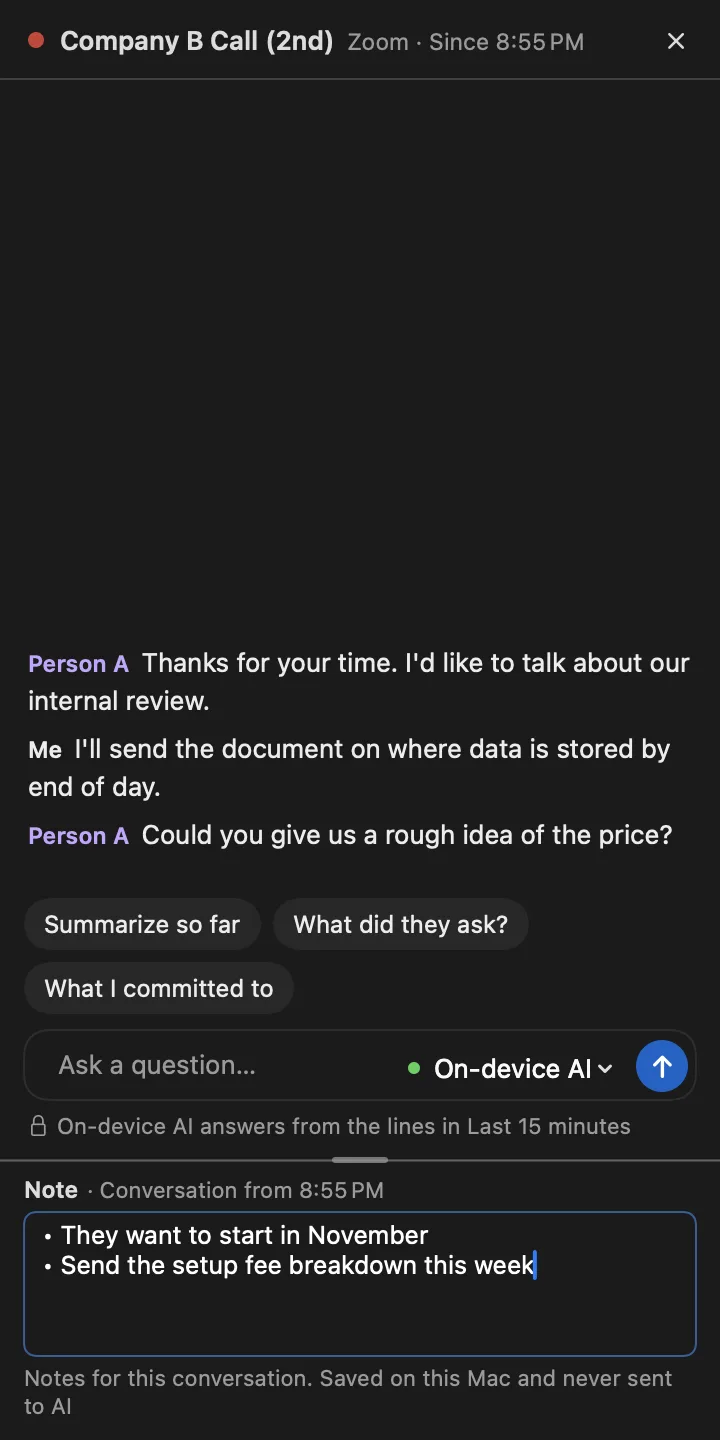
“My To-dos” has become “Assistant” in the sidebar (⌘J). What you and the other side took on in your conversations is listed there as commitments, with due dates. You can mark them done, snooze them, or choose “Not a to-do” on the assistant’s cards (Assistant).
Open to-dos you had in My To-dos are already in the assistant as commitments.